

Blacklisting props
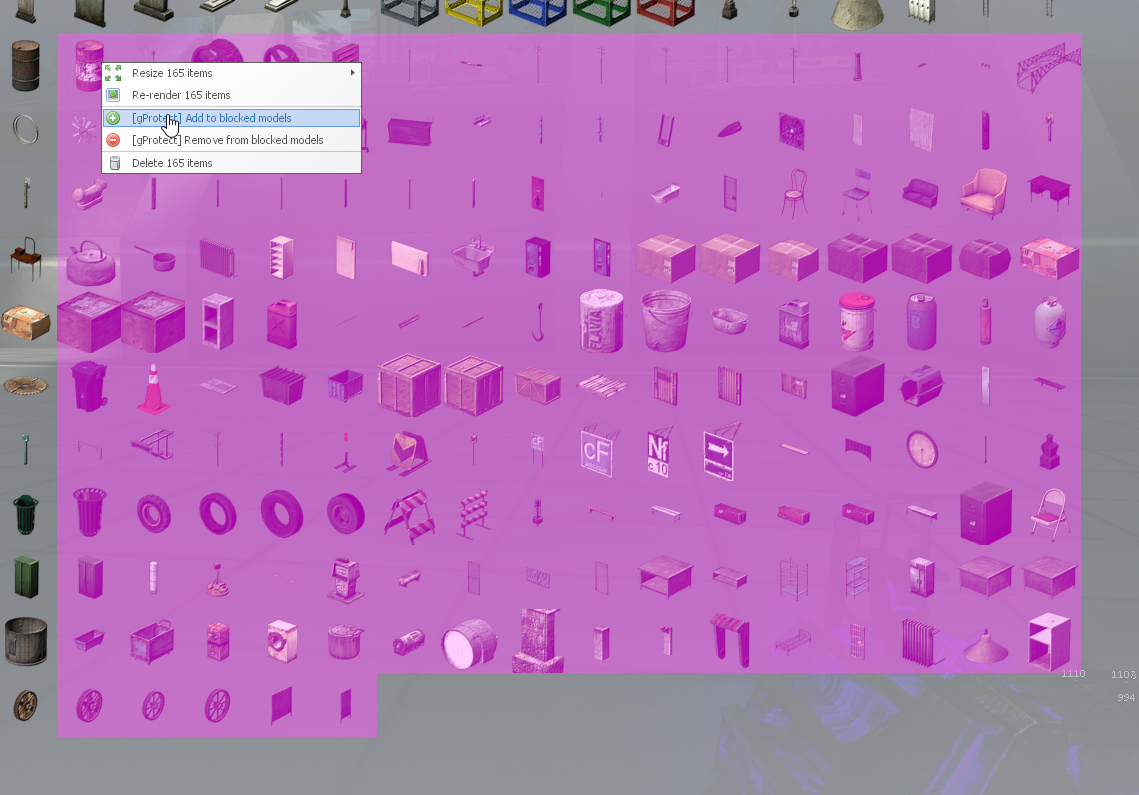
By default gProtect will block models depending on size and model complexity, this should do the trick however if you want to block models manually you can either right click them in the spawn menu and add to blocked models or spawn the prop and hold c then right click the prop and add to blocked models.
Quick tips:
- You can quickly block models by marking them from the spawn menu and right clicking to mass block.
- You can make the blacklist into a whitelist by unticking this option(Spawn Restriction -> Blocked classes is a blacklist).
