

Discord Relay
If you want to add a Discord Relay, you need to first decide how you will send the webhook. Unfortunately, some dumbass got all requests from the Garry's Mod HTTP library blocked by Discord so we need to use one of two workarounds:
- CHTTP is the best option, it's a HTTP library replacement that won't be blocked by discord. This however requires you installing a DLL module, which some people either aren't comfortable doing or are not allowed to by their hosts.
- A PHP relay that's hosted as a website is your second option. One is already supplied and hosted for you to use with the default values inside the discord webhook config, but the webhook is also included with your download so you can self-host it yourself if you want to.
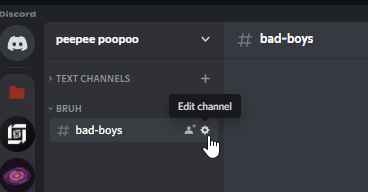
Once you have selected what method, you can now create a webhook. Start by going into your discord server and clicking the Edit Channel button on whatever channel you want warns to go to.
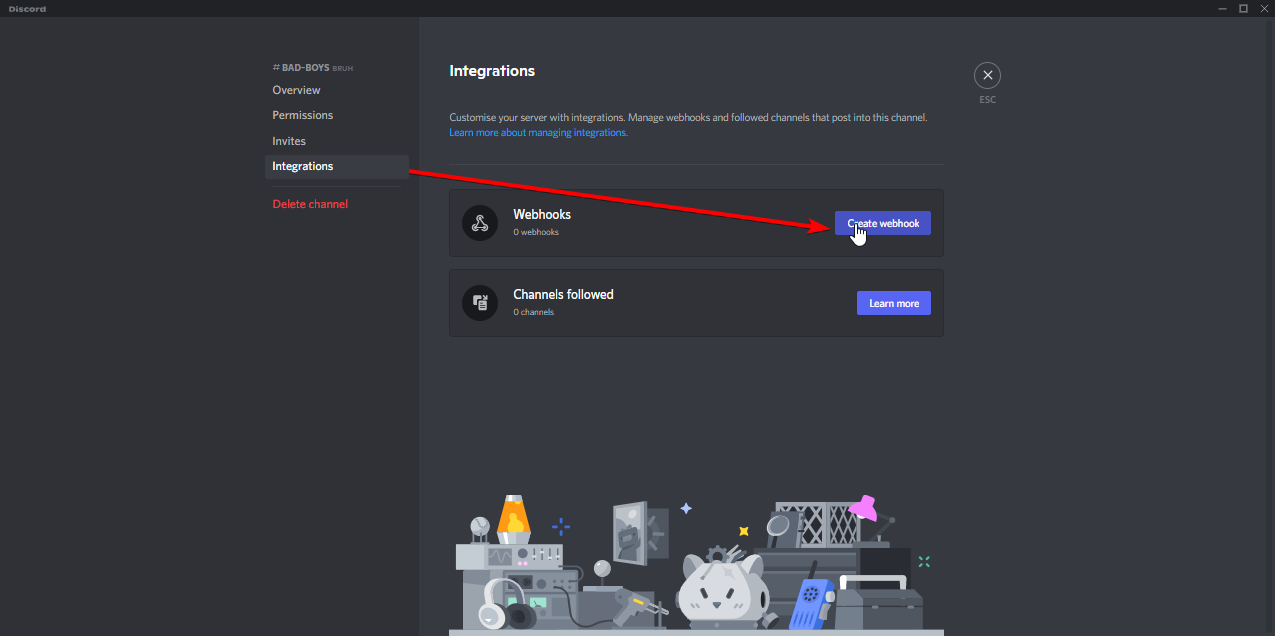
You then click "Integrations" on the side. Click on "Create Webhook".
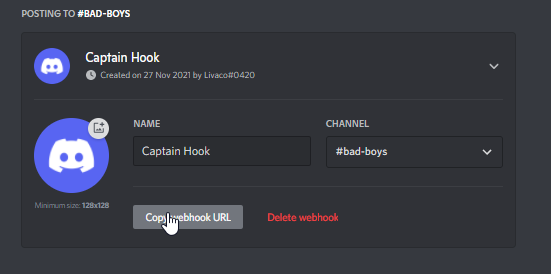
Once here you can change the profile picture/name of the webhook. Once your happy, click the "Copy Webhook URL" button.
Now, go into the sv_discord.lua config file. The comments will keep you right, but a quick rundown of what you need to do:
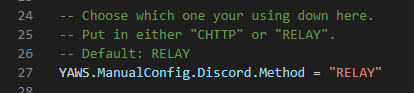
- First, select your method. Type in CHTTP or RELAY into the Method option, whichever one you want to use.
- If you've selected the Relay option:
- If you're using the provided already hosted relay, don't worry about any of it. The default values are setup to use that one, so you can just move on.
- If you are self hosting it:
- Replace the Relay URL with the url to your hosted one. It should end in webhook.php if it's correct
- Replace the password with your own. Don't just use the default. Ensure it's long, has special characters with upper and lowercase letters. Use the default as an example.

- Next, copy and paste your webhook URL you got above from discord into the WebhookURL field.

- Then, customise it using the below options. Set the color, embed details, etc.
- Finally, restart your server. Assuming you've done everything correctly, your webhook will now be posting warnings into that channel.