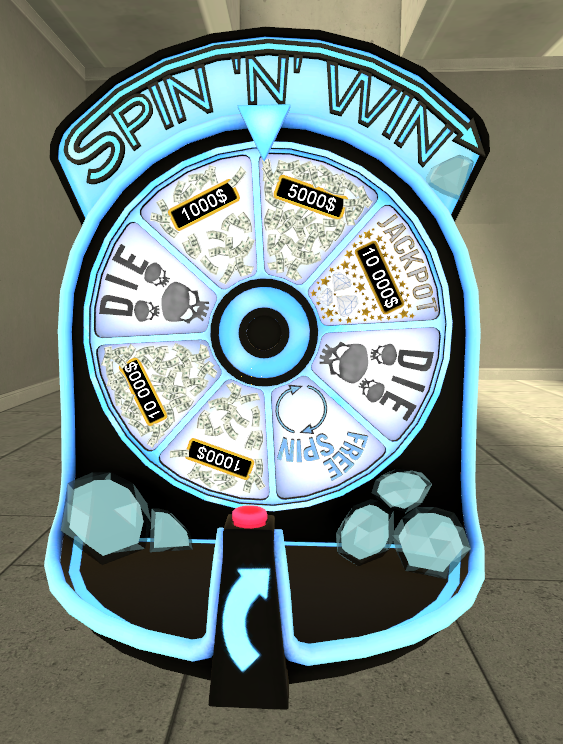
Part 4 : Spawning wheel
Welcome to the last part of basic tutorial.
Now that we have created our functions and wheel layout let's see the wheel in action.
1 - Go to Q menu > Tools > Spin N Win > Save tool. Select save tool.
2 - We can now click LMB to start spawning our wheel. Use R to rotate and LMB to save and spawn.
3 - Window will open. We can now choose what layout we want to spawn. Select "Layout 1" and click "Select and spawn"
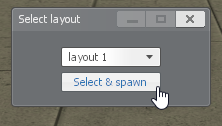
4 - Window will close and wheel will spawn. After few seconds of setup it will be ready to work.
Our tutorial layout should look like that