echat.config = echat.config or {}
local cfg = echat.config
--------------------
--# Basic config #--
--------------------
cfg.multiline = true
cfg.emojies = true
cfg.max_message_len = 1024 --maximum chars
cfg.chat_name = "echat" --name in the left corner
------------------------
--# In game defaults #--
------------------------
cfg.base_font_size = 20
cfg.chat_spacey = 1
cfg.message_time = 8 -- in seconds
cfg.maximum_lines = 512 --maximum active lines in chat (for optimization)
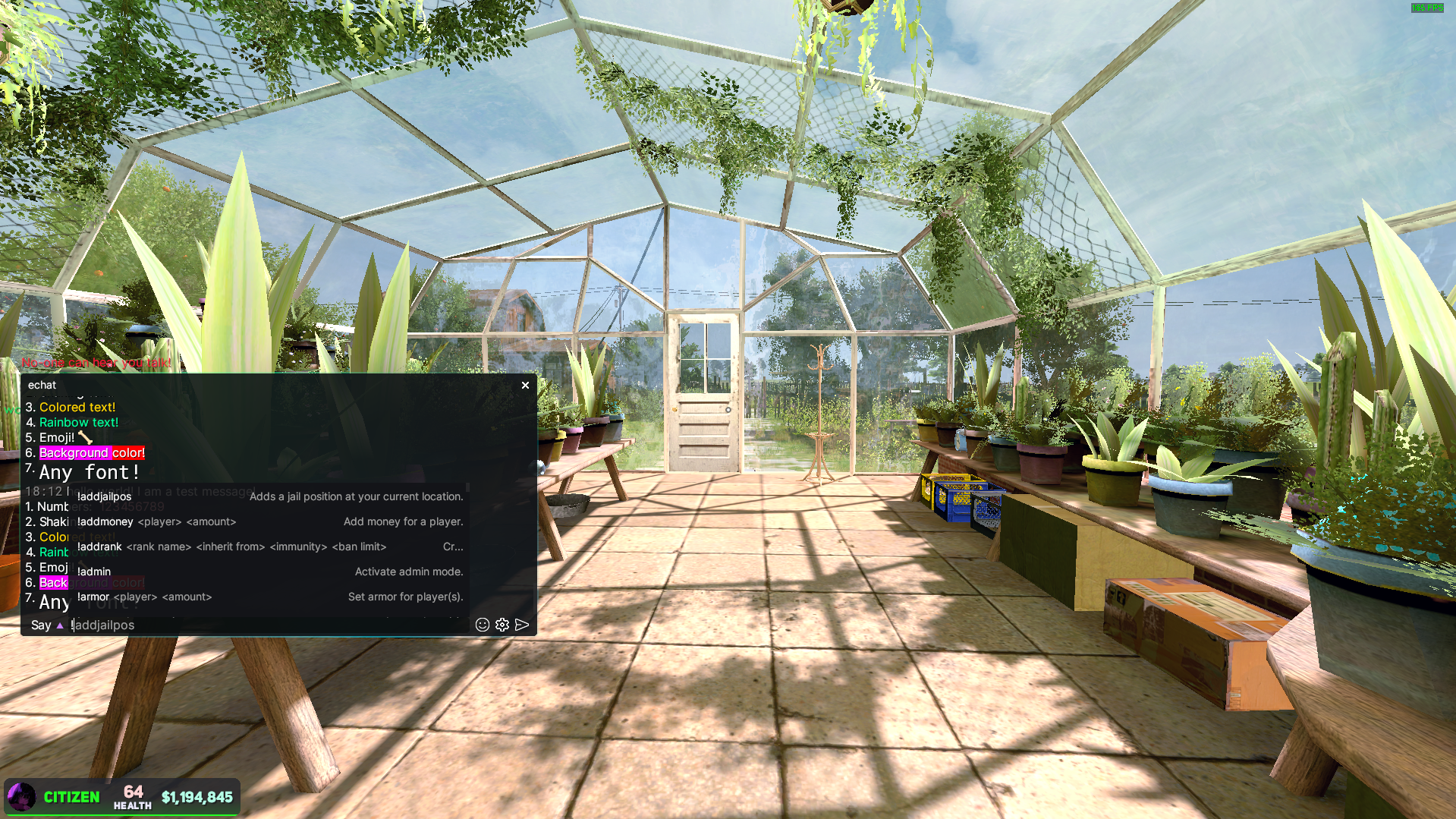
cfg.maximum_autocomplete_hints = 80
cfg.pos_x = 0.01 --Relative X position of the left corner of the chat on the screen [0, 1]
cfg.pos_y = 0.41 --Relative Y position of the left corner of the chat on the screen [0, 1]
cfg.size_width = 0.45 --Relative size (width) from the screen. [0, 1]
cfg.size_height = 0.37 --Relative size (height) from the screen. [0, 1]
-------------------------
--# Message modifiers #--
-------------------------
--formats:
-- {hour}:{minute}:{second} --24 time format
-- {hour12}:{minute}:{second} {am_pm} --12 hours format
-- {time}, 24 hours time format
-- {time12}, 12 hours time format
-- {message} Full message. fe - [superadmin] onexev: hello world!
cfg.time_format = "{hour}:{minute}"
-- <time> -- formatted time (see above)
-- <adafont_mono> - adaptive monospaced font | <adafont> - adaptive font
--custom parsers like <clr> you can found in core/parsers.lua
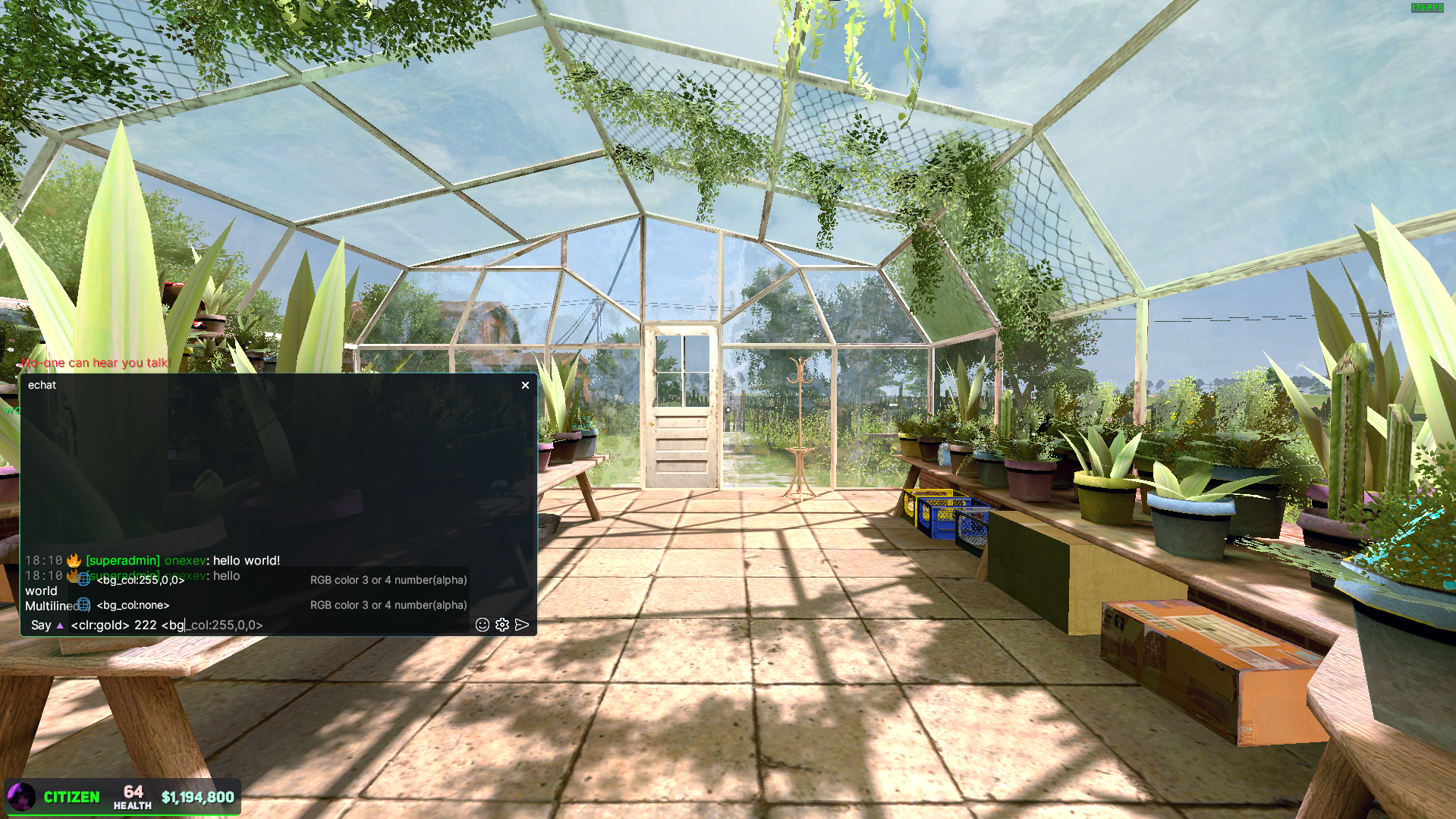
cfg.message_format = "<clr:gray><adafont_mono><time><adafont> {message}"
--["Rank / SteamID64"] = "format"
-- formats: {rank}, {nick}, {job_color} {steamid}, {steamid64}
-- You can use emoji here!
-- custom parsers like <clr> you can found in core/parsers.lua
-- <clr:> uses colors from pallete
-- <theme:main.text> uses colors from themes.lua
cfg.rank_formats = {
["superadmin"] = "<clr:white>:fire: <rainbow>[{rank}] {job_color}{nick}",
["admin"] = "<rgb:255,40,0>[Administrator]{job_color} {nick}",
--steamid64 example (it is a higher priority than rank format)
-- ["76561198123505655"] = "<rgb:255,40,0>[echat dev] {job_color}{nick}",
--format, if no required format is found, i.e. default format (user for example) --DONT CHANGE NAME __default__
["__default__"] = "{job_color}{nick}",
}
-----------------------
--# Custom commands #--
-----------------------
-- me_command, pm_command, ooc_command, advert_command - only works in DarkRP
--formats: {nick} {text}
cfg.me_command = {
["enabled"] = true,
["format"] = "<clr:pink>[Action] {nick}: {text}",
}
--formats: {from} {to} {from_nick} {to_nick}
--{from_nick} {to_nick} are needed to avoid formatting by usergroup (if you want it)
cfg.pm_command = {
["enabled"] = true,
["sender"] = { --outcoming message
["format"] = "<clr:green>[PM] <clr:orange>{from}<clr:green> -> <clr:orange>{to}<clr:white>: "
},
["reciever"] = { --incoming message
["format"] = "<clr:green>[PM] <clr:orange>{from}<clr:green> -> <clr:orange>{to}<clr:white>: "
}
}
--formats: {jobclr} {ply} {ply_nick} {steamid} {steamid64}
cfg.ooc_command = {
["enabled"] = true,
["format"] = "{jobclr}[OOC] {ply}<clr:white>: ",
}
--formats {jobclr} {ply} {ply_nick} {steamid} {steamid64}
cfg.advert_command = {
["enabled"] = true,
["format"] = "<clr:orange>[Advert] {ply}: <clr:orange>"
}
--You can specify any of your commands here and they will be a autocomplete hint in the game.
cfg.custom_commands = {
-- ["!best_ban"] = { --will be !best_ban <player_name> <reason> <time>
-- ["args"] = { --It's just a list of supposed arguments
-- "<player_name>", --any string here
-- "<reason>",
-- "<time>",
-- },
-- ["description"] = "Your best ban command",
-- },
-- ["!best_ban"] = {}, --can be empty (no arguments and description)
}
-------------------
--# Game events #--
-------------------
cfg.game_events = {
--formats: {username} {steamid}
["player_connect"] = {
["enable"] = true,
["format"] = "<clr:green>[+] <clr:white>Player <clr:gold>{username} ({steamid}) <clr:white>has joined the server"--"<clr:green>[+] <clr:white>{player} "
},
--formats: {username} {steamid} {reason}
["player_disconnect"] = {
["enable"] = true,
["format"] = "<clr:red>[-] <clr:white>Player <clr:gold>{username} ({steamid}) <clr:white>has left the server <clr:gold>[{reason}]"--"<clr:green>[+] <clr:white>{player} "
},
--formats: {text}
["server_say"] = {
["enable"] = true,
["format"] = "<clr:gray>[Console]: <clr:white>{text}",
},
}
------------------------------
--# Modifiers accesibility #--
------------------------------
--If not defined there then parser will be available for everyone
--If the table is empty, no one has access
cfg.rank_parsers = {
["rainbow"] = {
["superadmin"] = true,
--["moderator"] = true, --for example
},
["shake"] = {
["superadmin"] = true,
},
["separator"] = {
["superadmin"] = true,
},
["rgb"] = {
["superadmin"] = true,
},
["clr"] = {
["superadmin"] = true,
},
["font"] = {
["superadmin"] = true,
},
["adafont"] = { --adaptive font
["superadmin"] = true,
},
["adafont_mono"] = { --adaptive font monospaced
["superadmin"] = true,
},
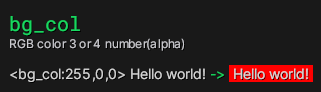
["bg_col"] = {
["superadmin"] = true,
},
["theme"] = { --theme colors
["superadmin"] = true,
},
["time"] = { --Useful if you want to specify the current time on the computer when sending a message from the server
["superadmin"] = true,
},
["img"] = {
["superadmin"] = true,
},
-- ["separator"] = {}, --no one can use it
}
-- chatlisteners access control
-- Display information about chat listeners only to the necessary people
cfg.chatlisteners_access_control = {
["enabled"] = false, --enable access control? false - everyone can see
--Config
["jobs"] = {
["__inversed__"] = false, --If true, the jobs listed here do not see chatlisteners, otherwise - only these jobs can see chatlisteners
["YourSuperCoolJob"] = true,
},
["usergroups"] = { --has more priority
["__inversed__"] = false, --If true, the usergroups listed here do not see chatlisteners
["superadmin"] = true,
},
}
----------------------
--# Autocompleters #--
----------------------
--you can enable/disable some autocompleters here
--to disable, simple change true -> false
-- NOTE: Restart needed
cfg.autocompleters = {
["PlayerHelper"] = true, --PlayerHelper - id from complete_helpers.lua
["EmojiHelper"] = true,
["ParserHelper"] = true,
["DarkRP_Commands"] = true, --If you have a different gamemode, disables automatically, no need to disable that here.
["SAM_Commands"] = true,
["sAdmin_Commands"] = true,
}
---------------
--# Pallete #--
---------------
--pallete for <clr> modifier
cfg.pallete = {
red = Color(255, 0, 0),
green = Color(0, 255, 0),
blue = Color(0, 0, 255),
yellow = Color(255, 255, 0),
orange = Color(255, 165, 0),
purple = Color(128, 0, 128),
pink = Color(255, 192, 203),
cyan = Color(0, 255, 255),
white = Color(255, 255, 255),
black = Color(0, 0, 0),
gold = Color(255, 215, 0),
silver = Color(192, 192, 192),
gray = Color(128, 128, 128),
}