

Media gallery
Buy product
$5.99
Ongoing product support is included.

#Gamemode Support If you need HUDHive for DarkRP, you may view HUDHive DarkRP and get that HUD instead.
Description
** Notice: ** This version of HudHive is for DEATHRUN ONLY. HudHive also is available for DarkRP.
HUDHive has two goals in mind; the first one being to continue to keep a color scheme going across the board but also giving it a unique personality, and a package that will contain multiple styles. I plan to keep HUDHive going for awhile in regards to new schemes coming out once in awhile, meaning you'll get updated looks for a one-time purchase. Also, introducing a new idea to HUDs; instead of keeping the GUI images within a workshop collection, having them actually loadable from a website URL just like my other scripts have done. Instead of having to manually upload a workshop if you want to modify the HUD's visual appearance (or FastDL), you can actually upload images to your own web-hosting, and simply modify the image path within the configuration. As always, I will keep pushing out updates as I get new ideas or customer suggestions come in.
Features
- Works with Arizard's Deathrun and Mr. Gash's Deathrun gamemodes.
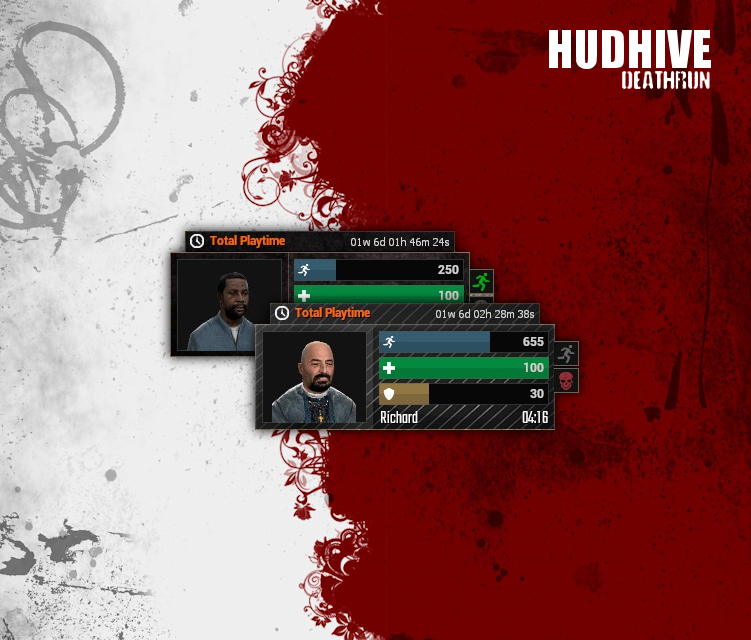
- Team-Pulse indicator tells you which team you are on with a simple blinking icon.
- Animations for each indicator bar.
- 2 included themes + the ability to make any new theme you want.
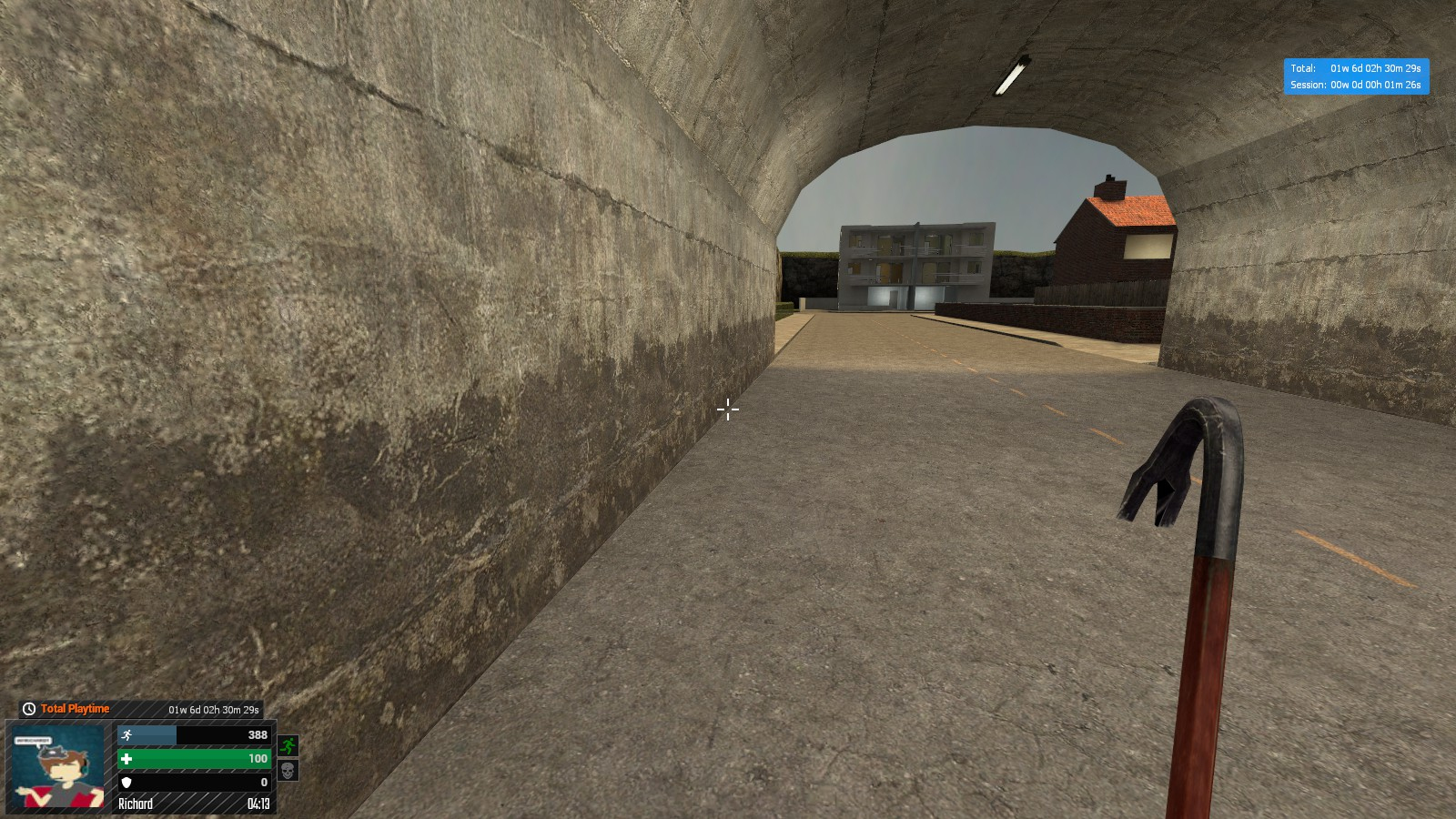
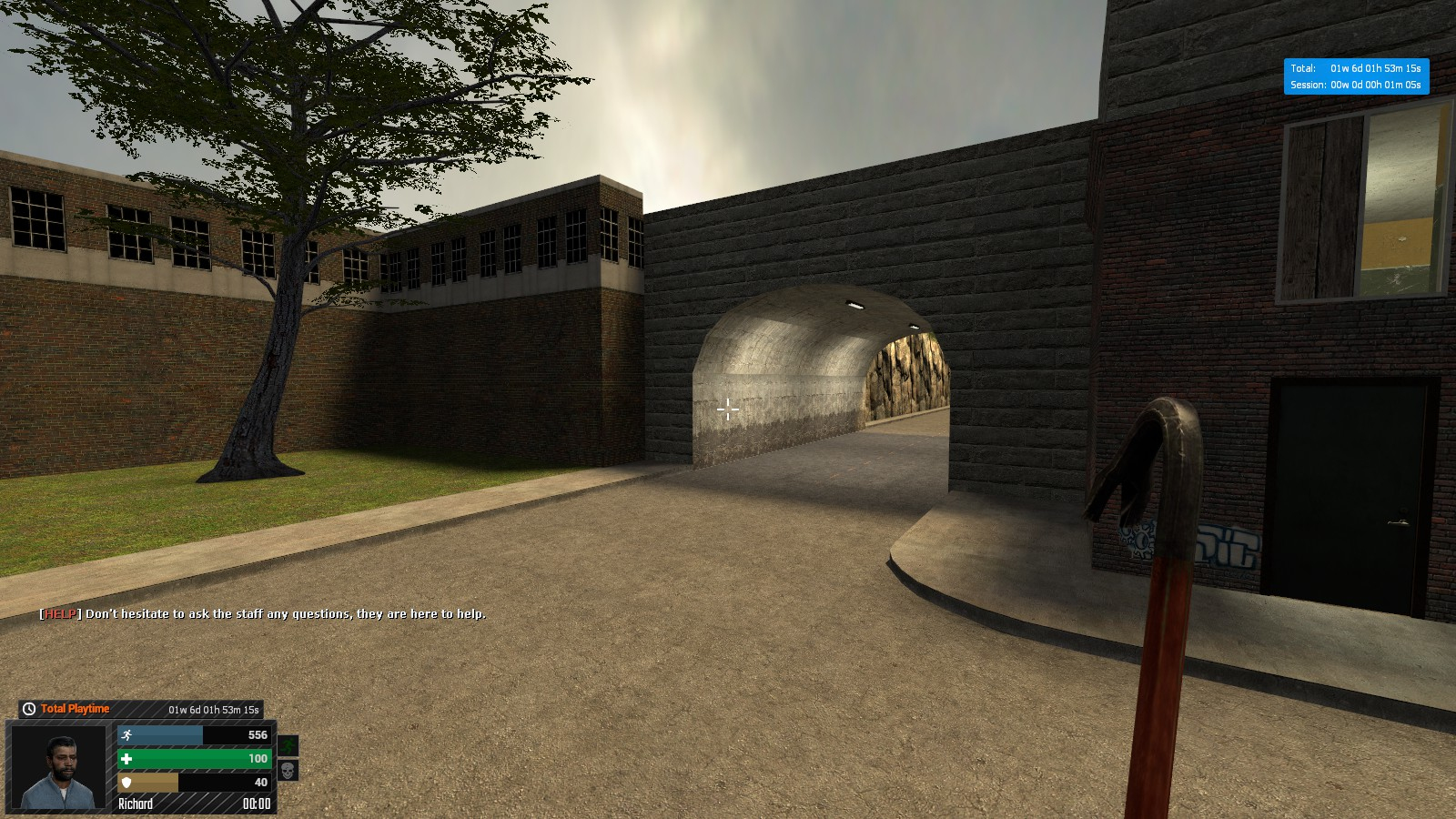
- UTime integration tab displays either player total playtime or session time.
- Ability for each player to hide the HUD with a key-bind or command. Great for taking in-game screenshots.
- Custom font + default font support. Allows you to use either custom fonts (looks nicer), or if your server doesn't support FastDL or custom fonts, you can choose to use the default Garry's Mod fonts that are optimized to fit.
- Ability to position each HUD panel.
- Disable any part of the hud you want (ammo, UTime, etc.)
- Customization options which include colors, positioning, and much more!
- Main images of HUD can be hosted via a website and loaded; instead of using workshop collections. Making it easier than ever to customize the HUD however you want. (Does not include the icons).
- Solid background color w/ blur effect available.
- Ammo system displays current clip and reserve ammo, as well as a progress bar
- New Over-Head HUD
- Icon pulse animations based on actions
- Avatar selection allows you to either use Steam Player Avatars OR animated player models.
- Much more!
Installation
- Simply drop the contents in a new folder you can create within the /garrysmod/addons/ folder.
- Do NOT make folders that contain spaces
- Do NOT make folders that have capital letters in them. Folders can look like the following:
- /addons/hudhive/contents_of_zip_here
- /addons/darkrp_hud/contents_of_zip_here
- Edit your /config/sh_config.lua file and modify it to your specifications.
- Start the server up and it should tell you if HudHive has been loaded.
FastDL / Workshop
My scripts come pre-configured to handle FastDL. However, in the event that you cannot use FastDL on your server; I also upload Workshop items that contain all of the resources you'll need. Simply subscribe to the workshop item below, and add it to your server's collection. Players will automatically download what they need when they connect to your server.
FAQ
I changed the configuration and things stopped working. Check your values. Anything with a true or false value is a Boolean value, and should only be true or false. Make sure you don't have un-needed quotation marks.
My fonts are overlapping, why? The way I've set this up, fonts should not overlap anything. If they are, then chances are that you do not have the correct fonts installed for this product. Make sure your FastDL is setup, and that you are in fact getting the correct fonts. Look inside the resource folder for the three font files I use, and compare those to if your local Garry's Mod actually has them installed in C:\Program Files (x86)\Steam\steamapps\common\GarrysMod\garrysmod\download\resource
What Gamemode(s) does this work for? Deathrun
Licenses
OFL (Open Font License)
Certain fonts used for HUDHive were made possible thanks to the Open Font License (OFL)
Icons
Certain icons are made possible thanks to Icons8 and IconsDB. They are licensed under the Creative Commons Attribution-NoDerivs 3.0 Unported license.