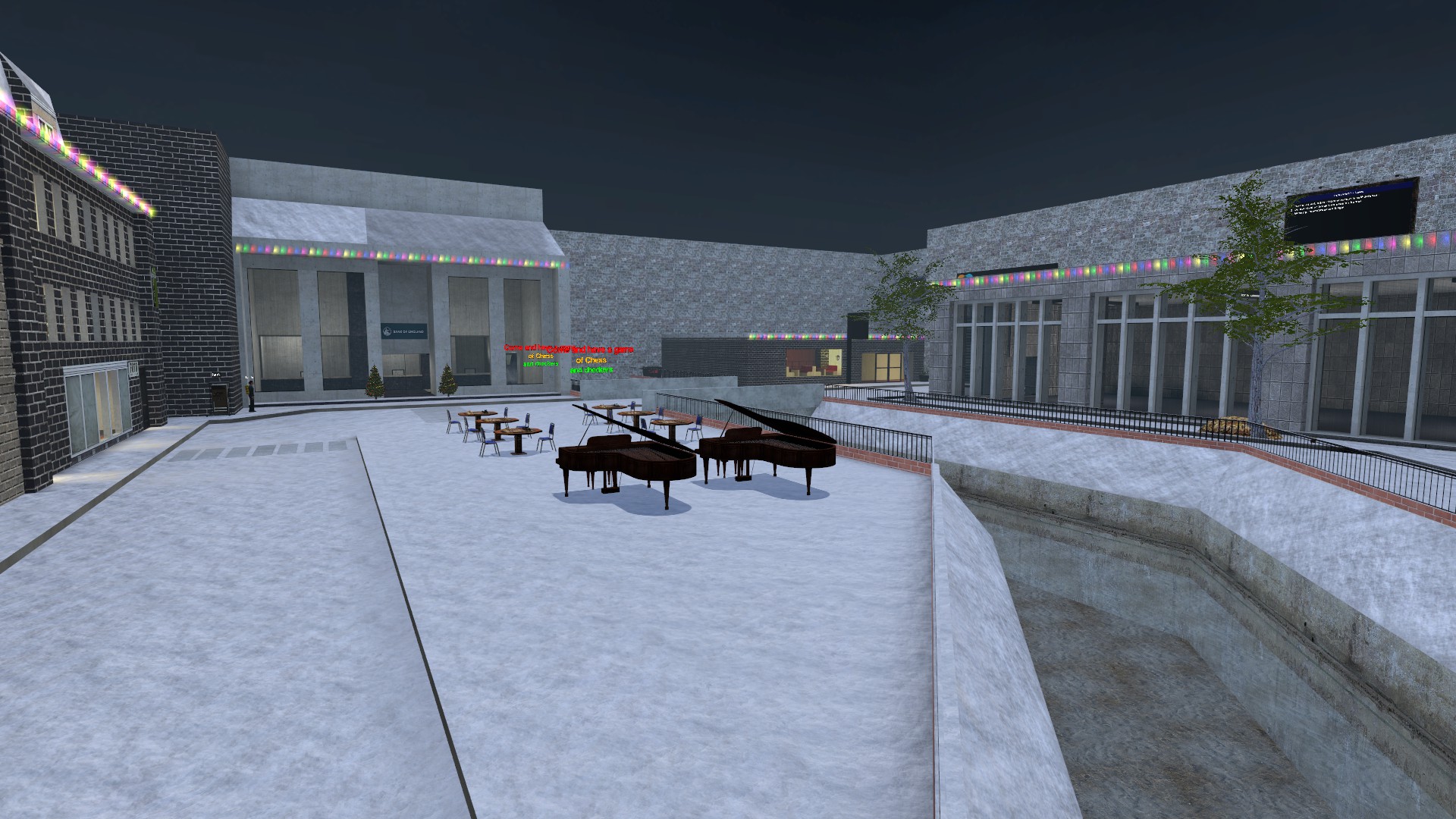
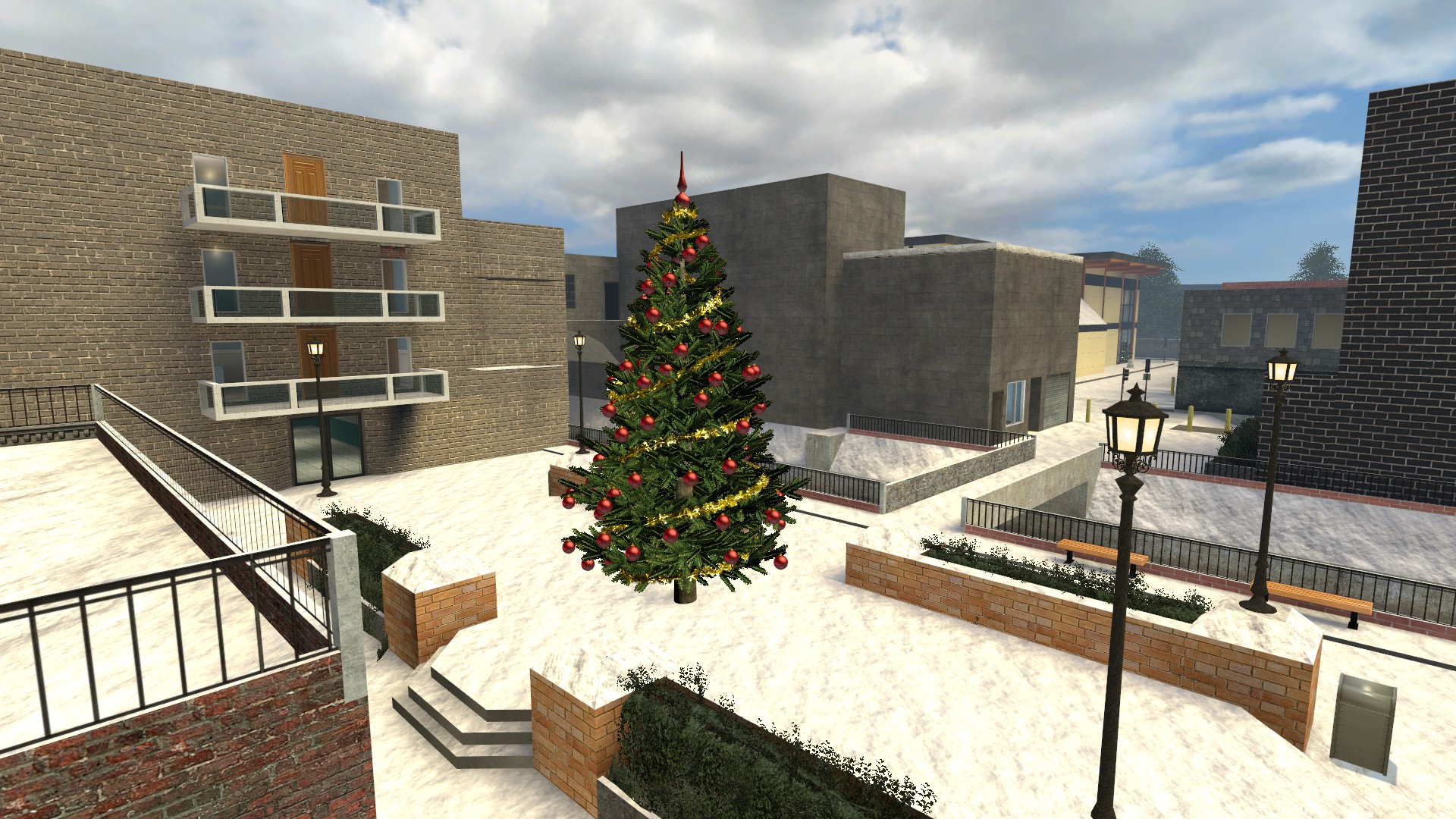
Editable VMF for RP_Downtown_Fade_v3 or v2
Im trying to edit this to use the same map I just wanted to remove some trees so we can have an oil mining area there but it is protected..
can anyone help..
thank you.
Your best bet is to contact the map creator.
Usually, the map is protected because it wasn't meant to be edited in the first place. Commonly, this is because it was made using bad practices or is poorly optimized (Generally the case with downtown roleplay maps), or because the creator spent a lot of time making something that they don't want to be released for free.
I have tried to contact him and buy the vmf from them as the server it was made for is gone and has been for a few years.. so wanted to use the map for new purposes
i can try to decompile it and edit it for you for the right price , hit me up if you are intrested
also what did you use to decompile it ?
I used BSPsrc and it was protected so I used Entspy to remove the no_decomp then tried again and it then gave this error
[warning] BspDecompiler: rp_downtown_fade_v3 contains anti-decompiling flags or is obfuscated![warning] BspDecompiler: Detected methods:[warning] BspDecompiler: VMEX texture flag (tools/locked)[warning] BspDecompiler: VMEX protector brush flaggive me the map workshop link or send me the bsp and i will try to decompile it in a differant way
https://steamcommunity.com/sharedfiles/filedetails/?id=844856045
Looked into the map a little bit; it's just an edit of Evilmelon. You could try editing Evilmelon to your liking; the list of changes between Fade and Evilmelon is on the workshop page.
yeah I can see that but the map is perfect as it is just a couple of changes needed Event arena adding and clear grass area for Zeros oil addon...
also that map is not used anymore as the server is gone.. so it would be perfect for us.
there is a model(prop) that keeps crashing the compile thats why it gives you the file not found error, best way to find it is to use the cordon tool
whats a cordon tool ?
tried using it no luck here still gives the same end result.. see if you can do it.
you use the cordon tool to compile a part of the map , first you do the whole map then you keep making it smaller until you find from which area the error is coming , it is time consuming so i wont do it , but now you know how to do it so good luck
Tried it but it seems to compile the same part of the map even when I move the cordon area..
oh yeah , forgot to mention , you have to "save as" the vmf with a differant name , because when you hide all the props and compile the map then compile it with them again without removing the prop that causing the error it will corrupt the file, which mean you will have to "save as" the file again with differant name , it is really pain in the ass to do , so i suggest the same thing that guy up there suggested, editing Evilmelon to what you want would be less time consuming
i was going to and copy stuff over from the other map but none of it’s grouped so makes it harder to do.... I will just try the save as and see if that fixes it. Thank you