

Media gallery
Buy product
$30.00
Product support is provided externally.

In short
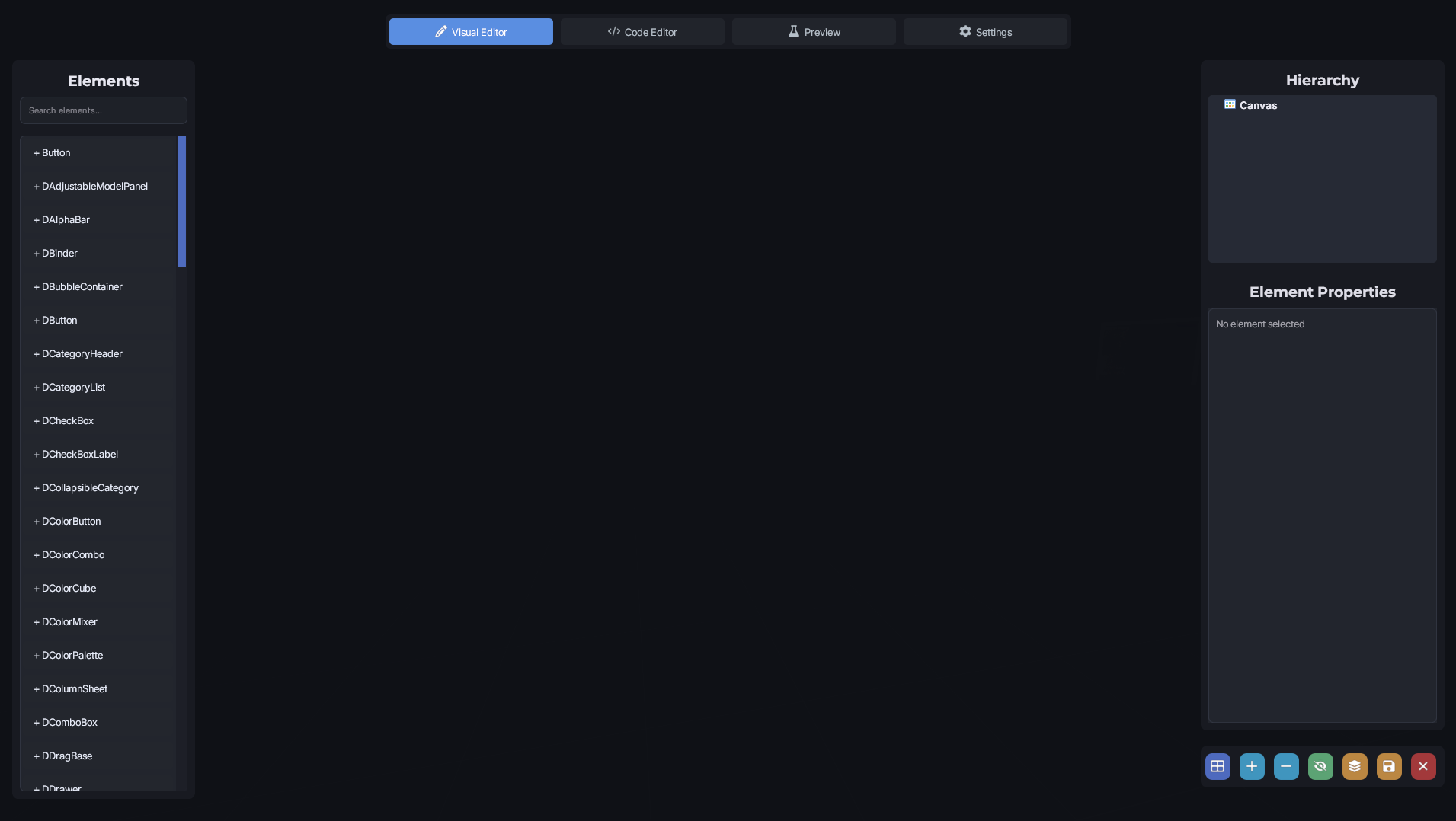
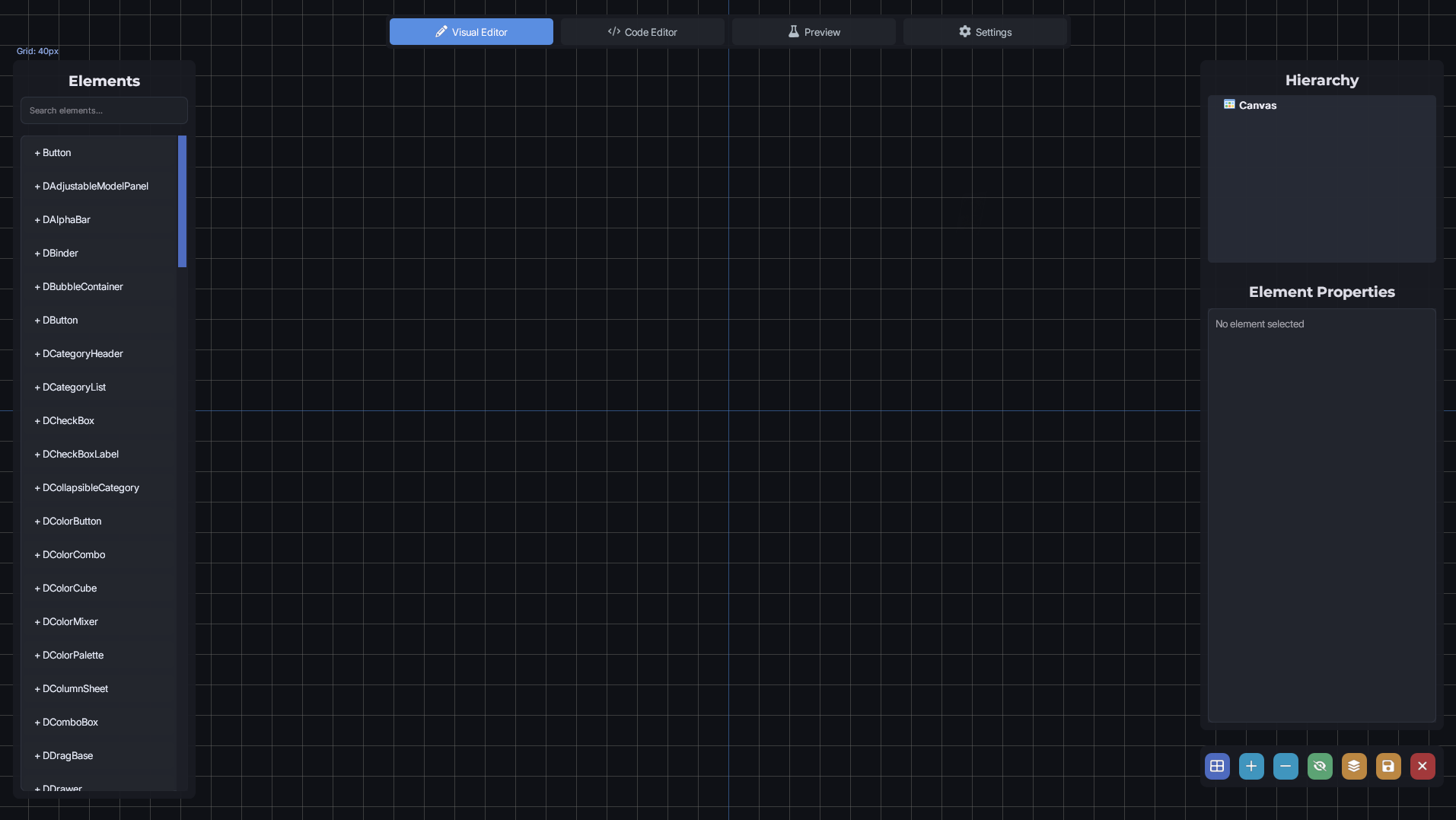
DermaCreator is an in-game visual UI builder for Garry's Mod. It lets you design Derma/VGUI panels by dragging elements onto a canvas, editing properties, writing callbacks and custom paint code.
▶️ Visit our website if you want more information: https://dermacreator.com/
✏️ DermaCreator - Making UI has never been so easy
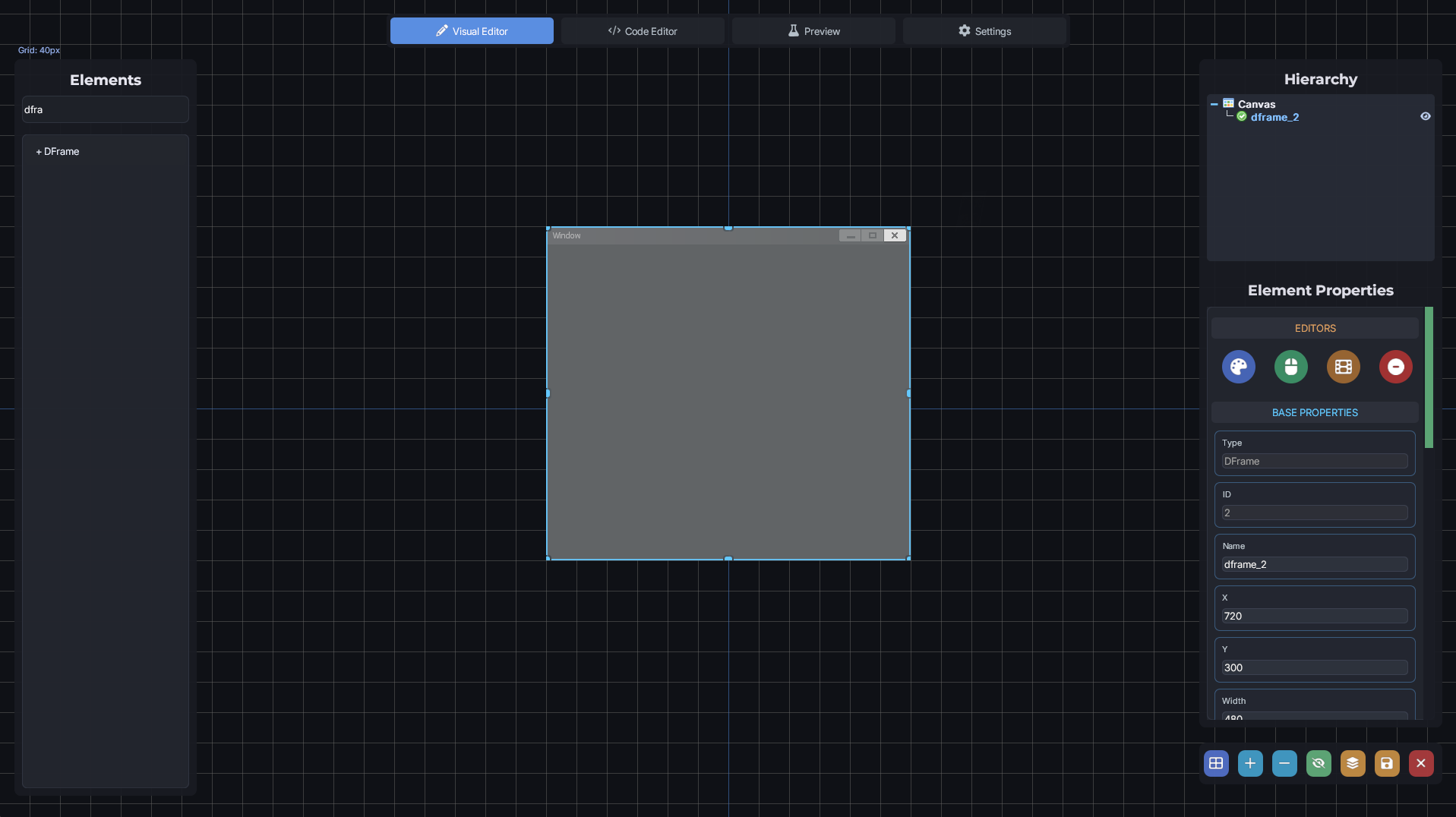
DermaCreator is an in-game visual UI builder for Garry's Mod. It lets you design Derma/VGUI panels by dragging elements onto a canvas, editing properties, writing callbacks and custom paint code, and exporting the result as Lua, all without leaving the game. It is aimed at server admins and addon developers who want to prototype or build interfaces quickly.
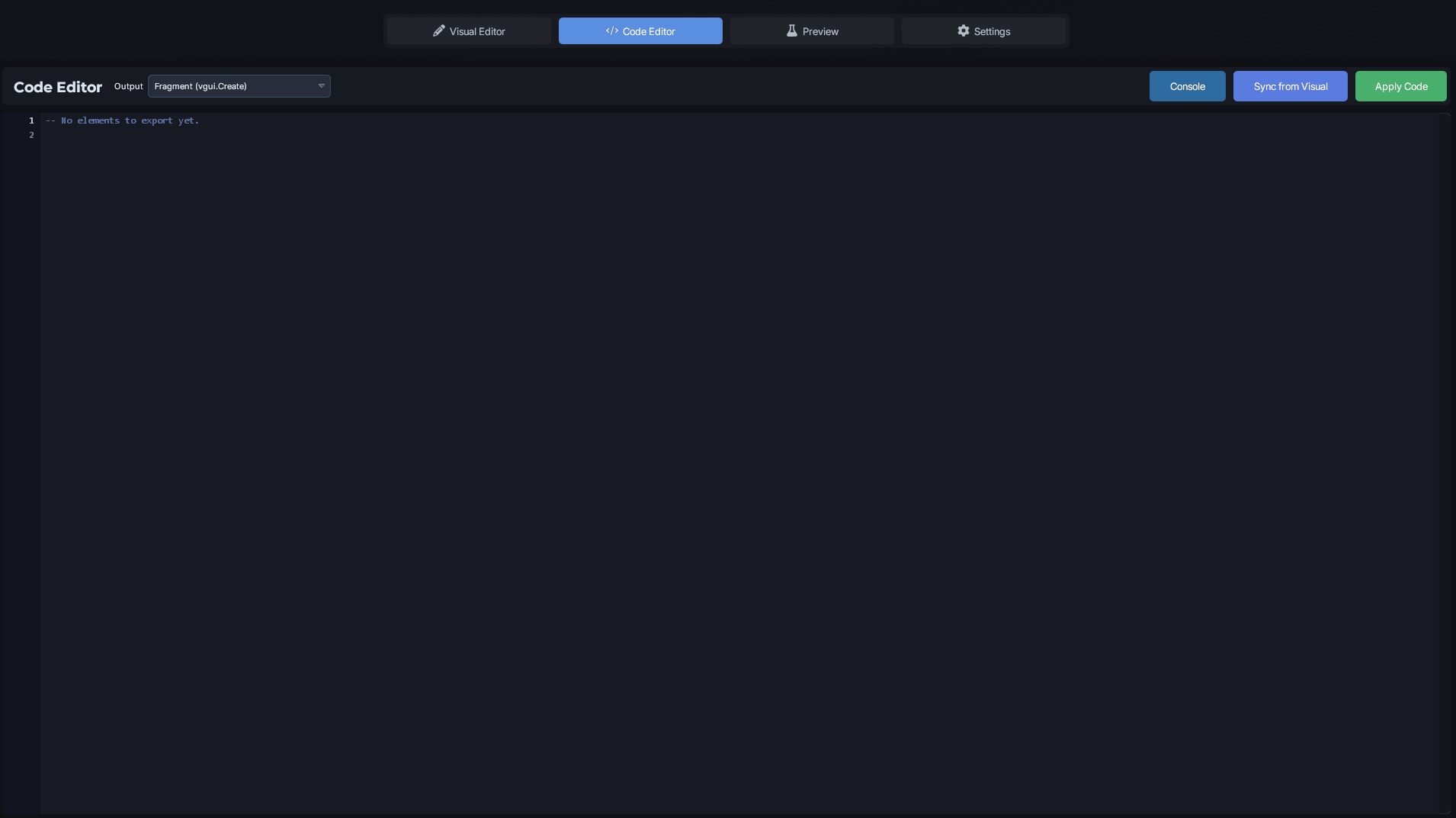
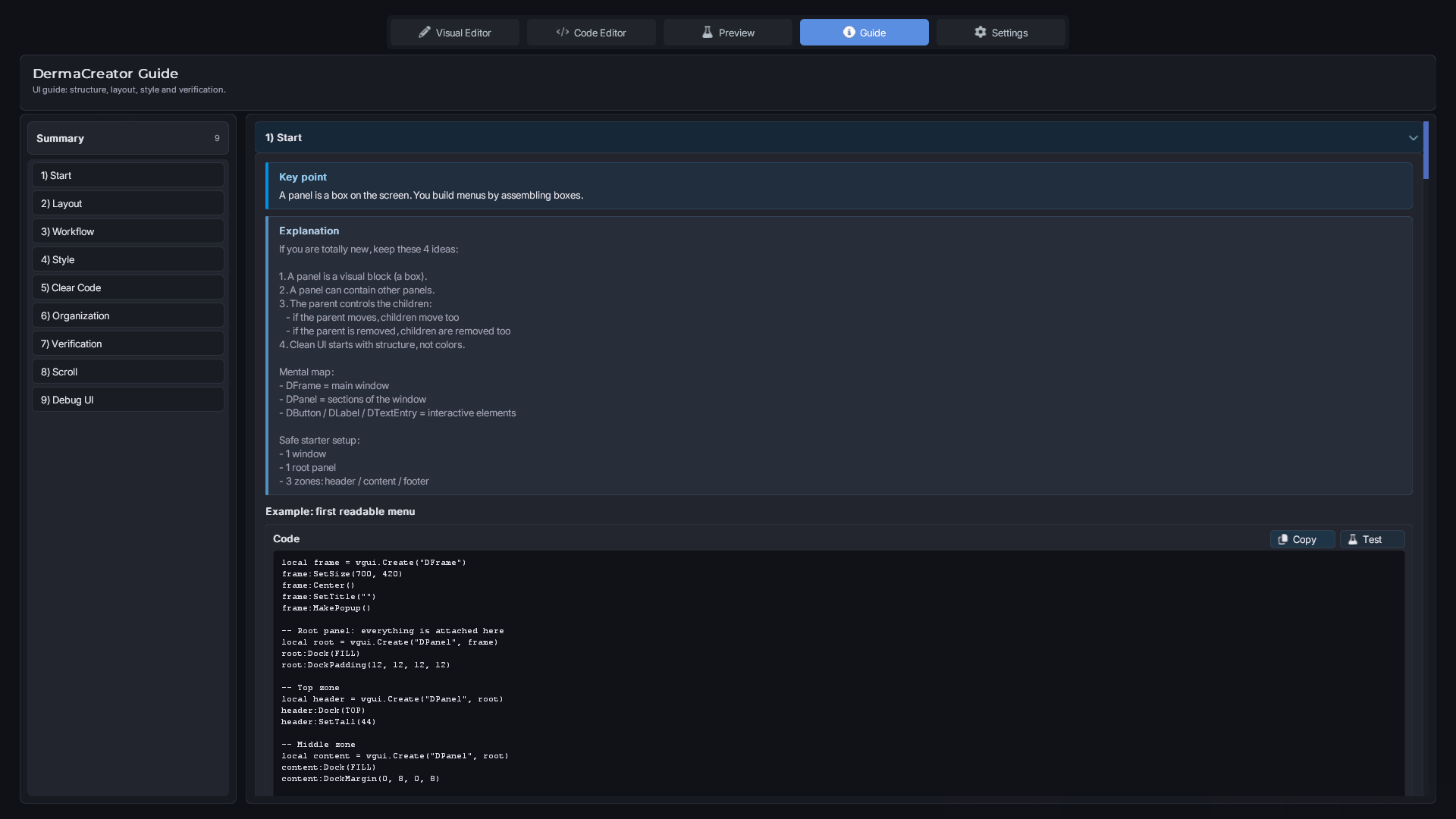
DermaCreator is a complete tool for building Derma interfaces in Garry’s Mod, without forcing you to choose between no-code and coding. You design your UI visually (hierarchy, selection, properties), see the live preview in real time, and switch to Lua code whenever you want using the built-in editor (syntax highlighting, wiki tooltips, visual/code sync).
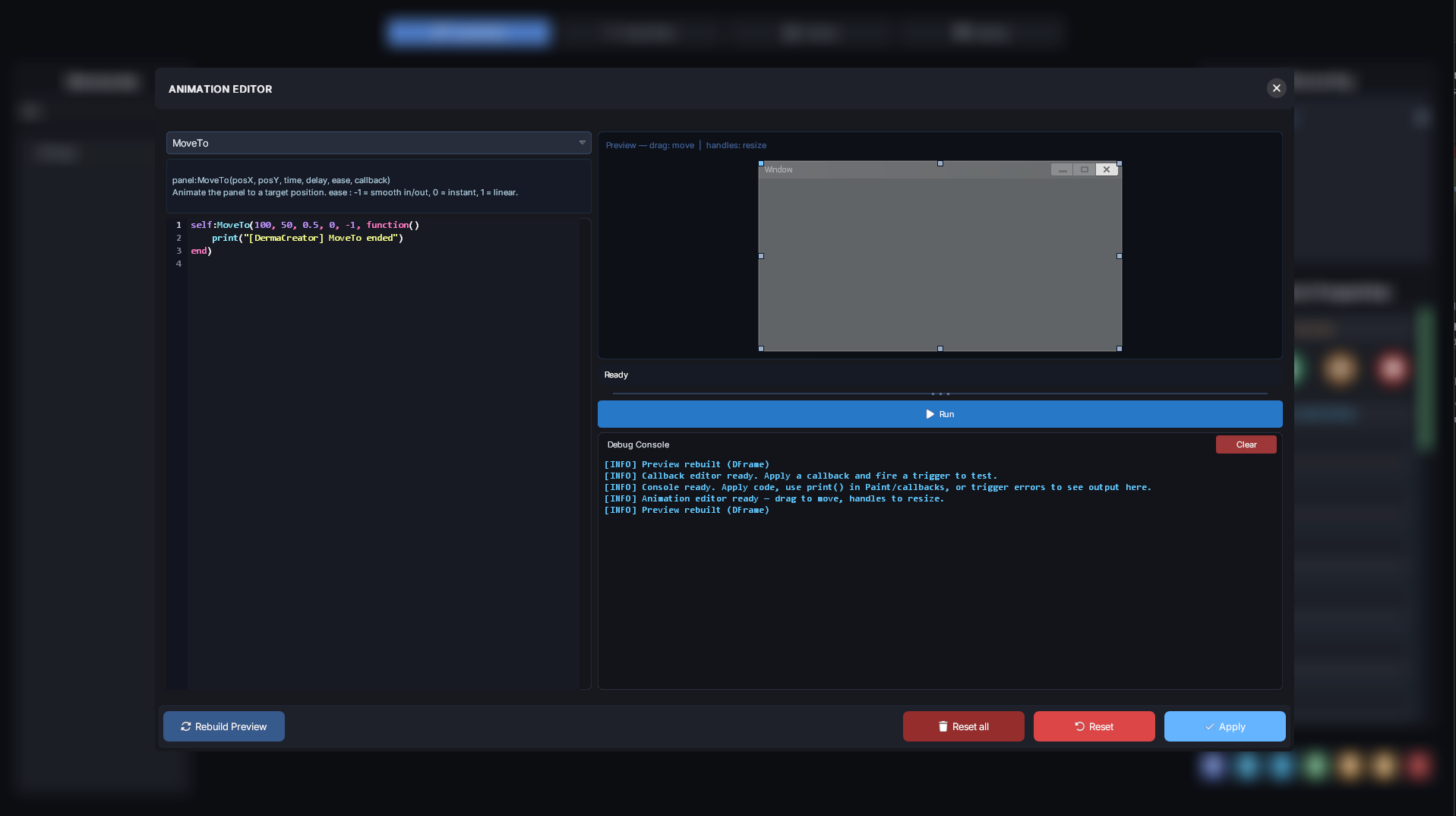
It also includes dedicated editors for callbacks and animations with preview/testing, an advanced color picker (RGBA + effects), automatic property generation based on wiki methods, and clean export of the final script (clipboard or file).
- Build Derma interfaces visually with drag & drop on a real canvas.
- Add VGUI/Derma panels, including your own registered custom panels.
- Move, resize, select, and delete elements effortlessly.
- Organize everything with a clear parent/child hierarchy.
- Rename, hide/show, or duplicate elements directly from the hierarchy view.
- Use a flexible grid system (show/hide, resize, snap to grid).
- Edit core properties like position, size, text, docking, margins, and more.
- Automatically detect and edit dynamic Get/Set properties.
- Get instant Wiki info in tooltips (descriptions, arguments, types).
- Benefit from a built-in Wiki cache for faster and more reliable method data.
- Use an advanced color picker (RGBA + sinus variants / A→B transitions when enabled).
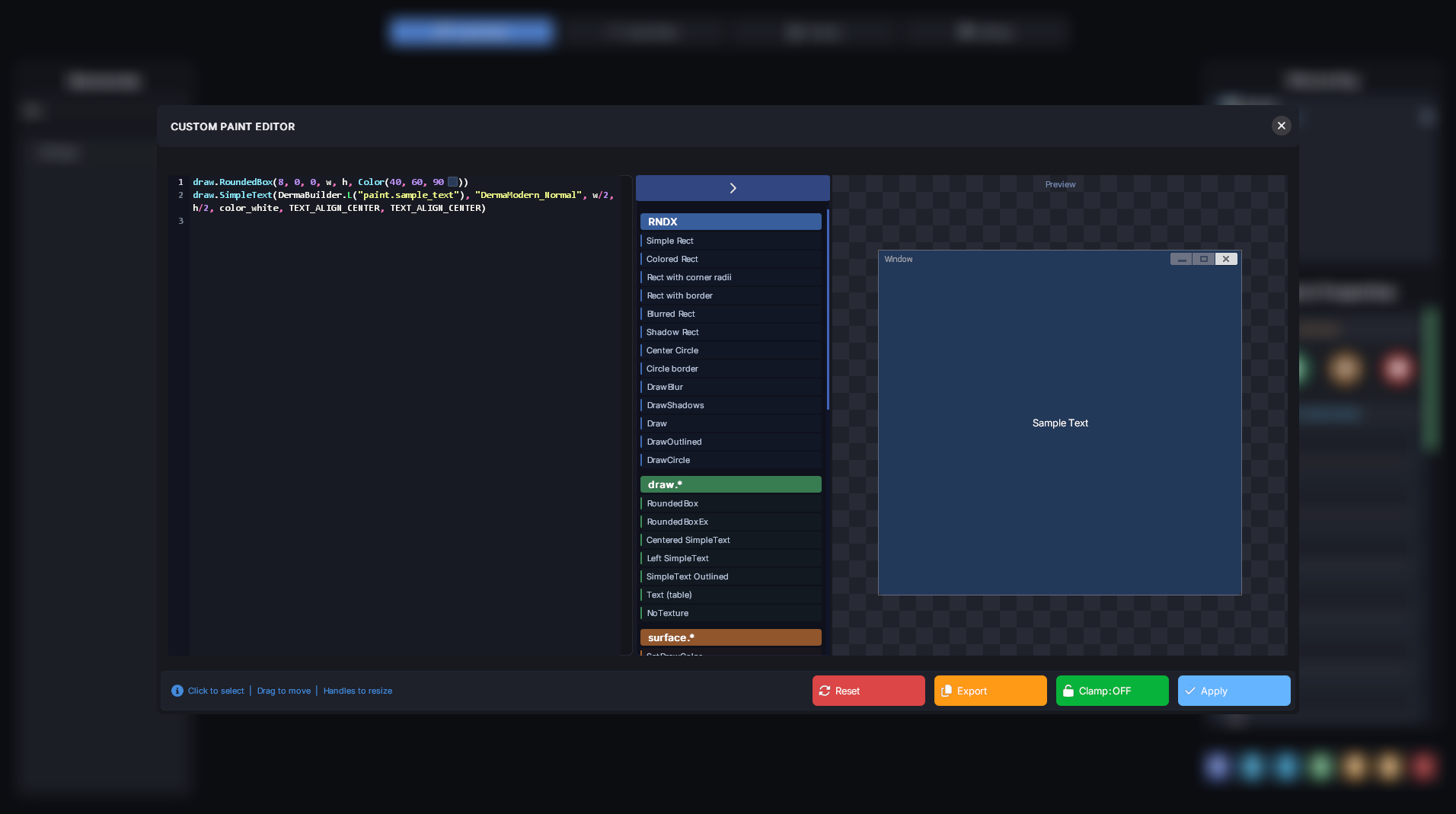
- Edit custom Paint and Think functions with a dedicated editor.
- Choose icons and materials for custom rendering.
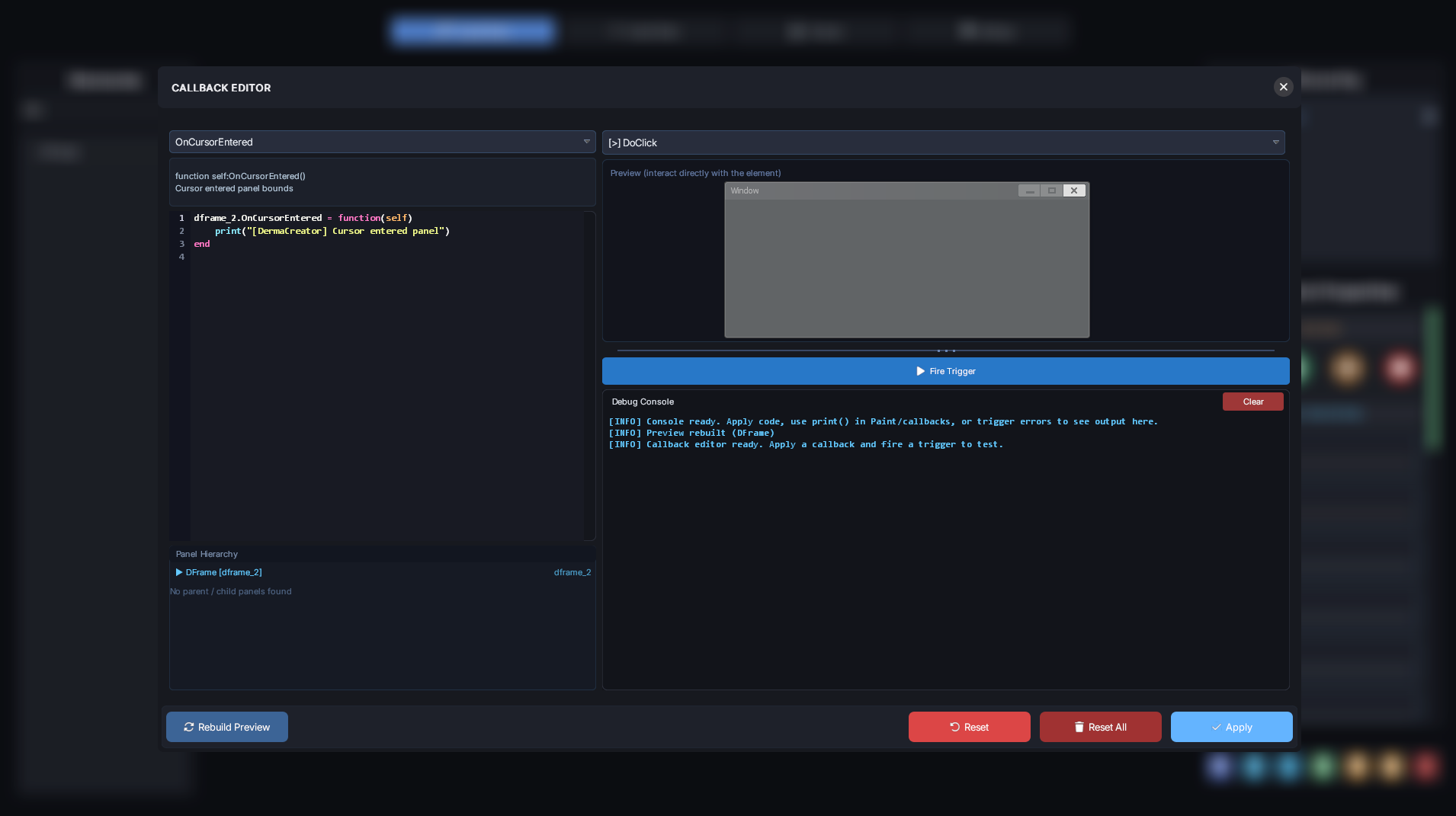
- Create, edit, and test callbacks in a specialized callback editor.
- Create, edit, and preview animations in a dedicated animation editor.
- Write and refine Lua code in a built-in IDE (syntax highlighting, hints, tooltips).
- Sync seamlessly from Visual → Code and Code → Visual.
- Apply and validate code with built-in error and warning handling.
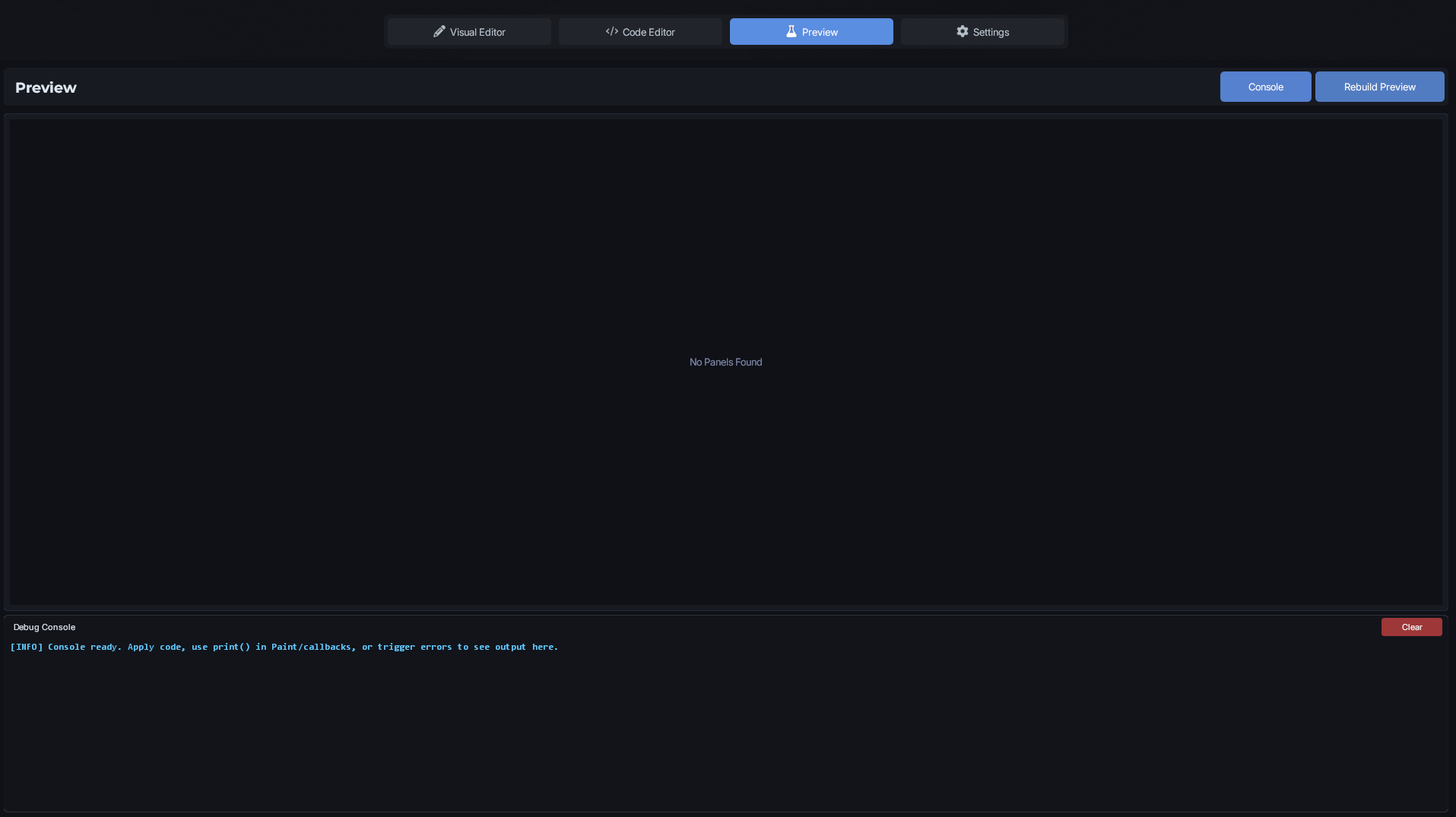
- Test everything in an interactive sandbox preview.
- Use an integrated debug console for logs and runtime errors.
- Export your layout and Lua code (clipboard or file).
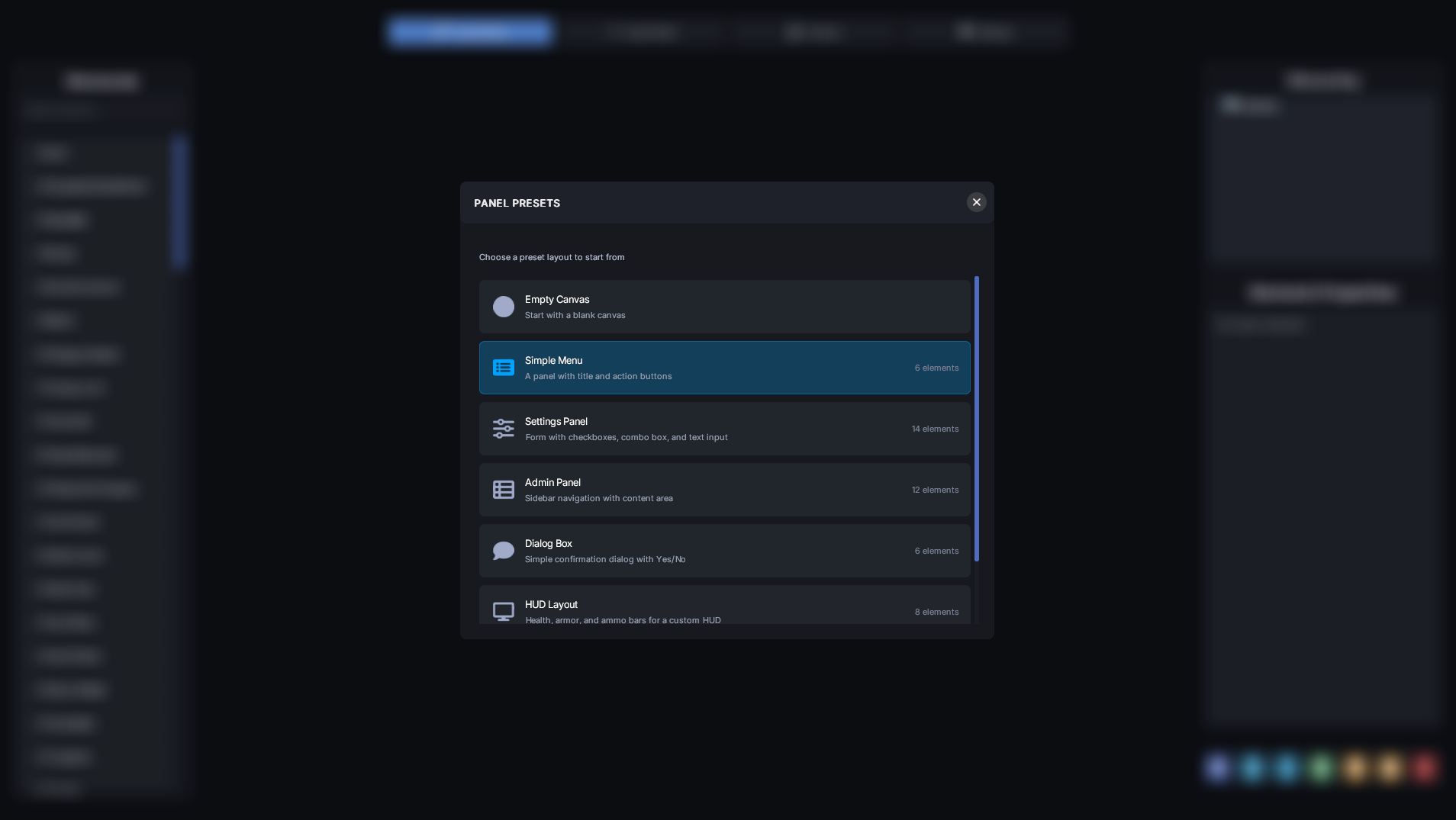
- Start from ready-made presets (menu, settings panel, scoreboard, HUD, etc.).
- Save and restore your work sessions.
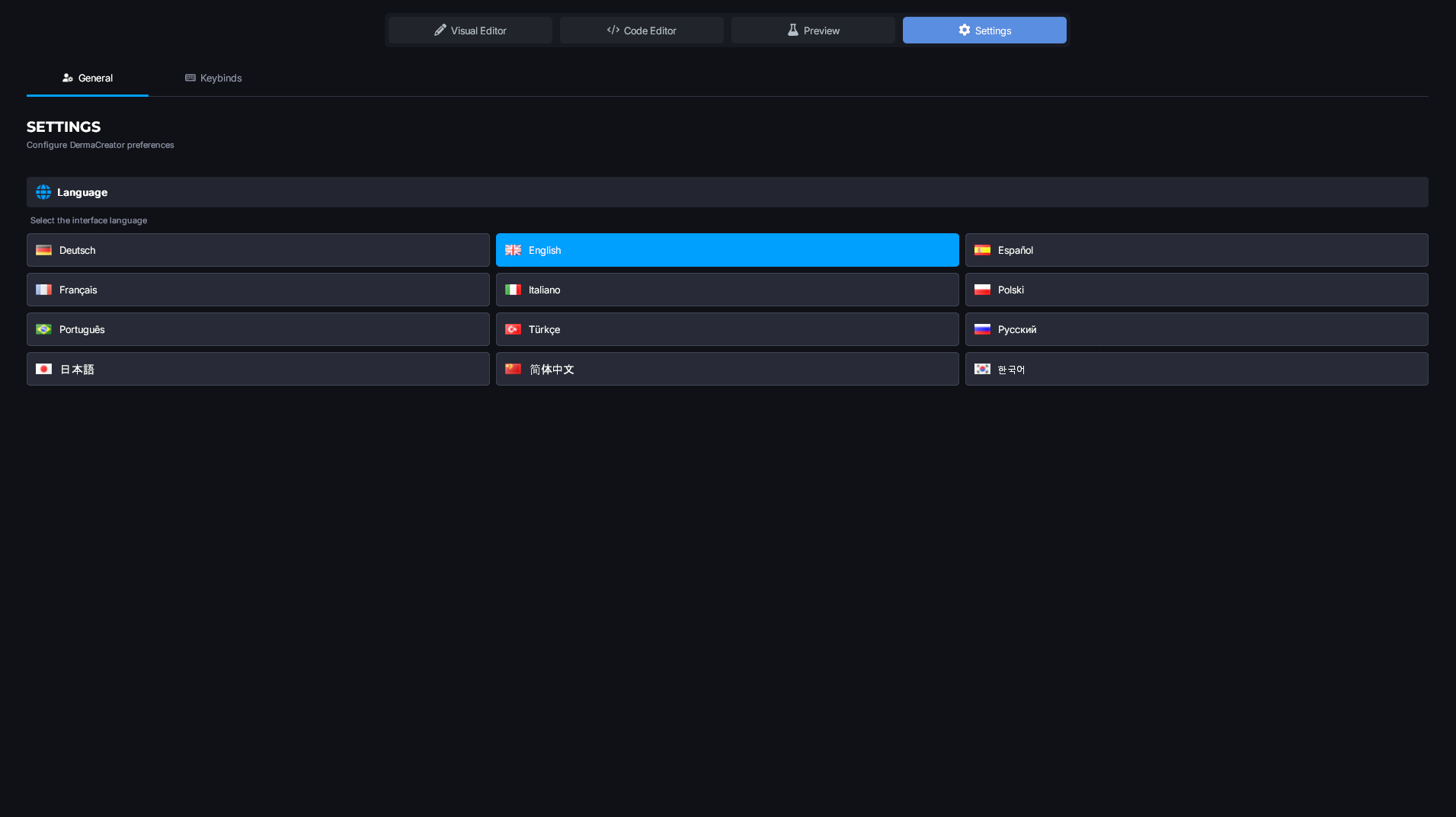
- Customize global settings (language, grid, shortcuts).
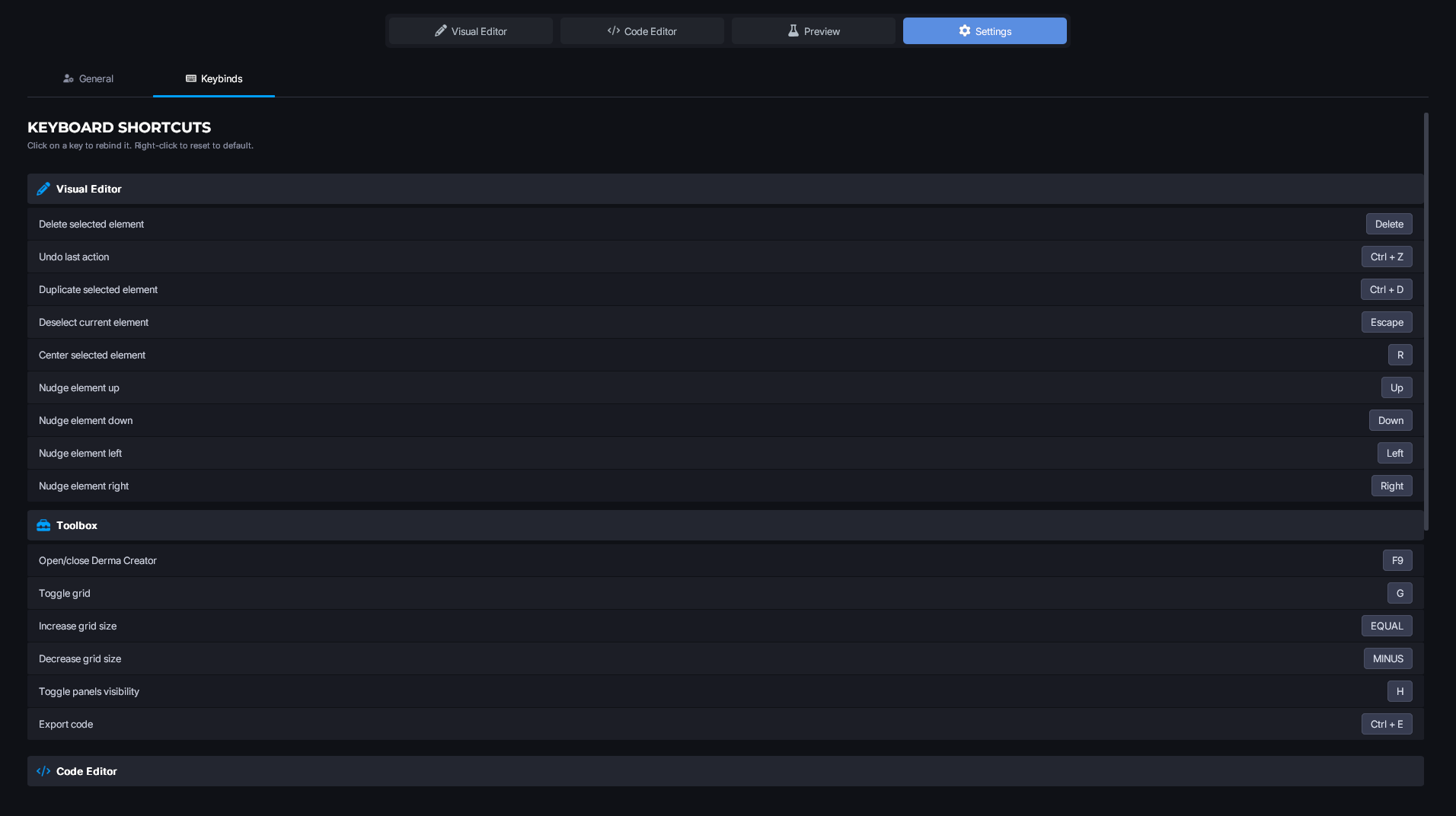
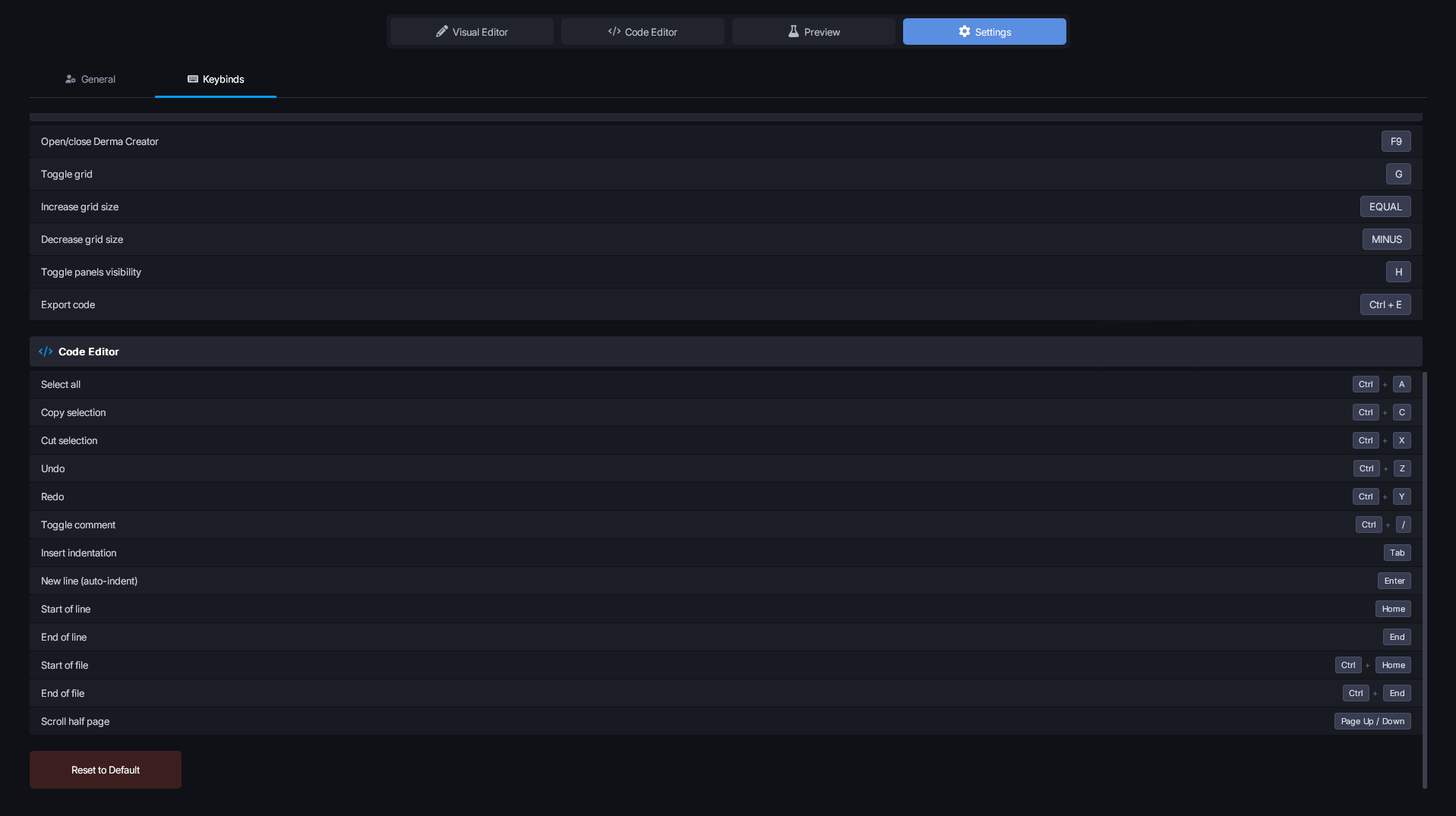
- Speed up your workflow with keyboard shortcuts (undo/redo, copy/paste, delete, export, grid toggle).
- Drop the addon into your
addonsfolder. - Restart your server or your game, depending on whether you’re running the addon in singleplayer (local) or on a dedicated server.
- Input your license key (you can obtain it at: https://dermacreator.com/).
- Once in-game, run /DermaCreator or press F9 in chat. (It should open automatically if your license hasn’t been validated yet.)
- That’s it, you’re all set!
- RNDX: Shape library by Srlion (https://github.com/Srlion).
- LuaPad: The in-game code editor inspired by LuaPad (https://github.com/wrefgtzweve/luapad).
- Spritesheet: The font-awesome icon lib by Beelzebub (https://github.com/Be1zebub/gmod-fa-sprite-sheets).
- SVG: The SVG lib integration by Beelzebub (https://github.com/Be1zebub/Small-GLua-Things/blob/8d48e5803126e40a3b0713f0f5eea8c5a6d0e7f5/libs/svg-material.lua)