

Media gallery
Buy product
$39.99
Ongoing product support is included.
In short
Version, compare, migrate and deploy your Garry's Mod server setup. Capture props, NPCs and DarkRP job spawns, restore safely, and move tested changes from DEV to PROD.
YOUR SERVER SETUP IS A BUILD. TREAT IT LIKE ONE.
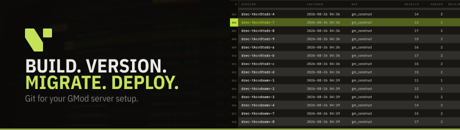
Build. Version. Migrate. Deploy.
Vetra Blueprints brings a real development workflow to Garry's Mod server setup.
Build your map the way you want it, capture a known-good state, compare what changed, migrate layouts between maps, restore an earlier version, and deploy tested changes from DEV to PROD.
Git for your Garry's Mod server setup.
WHY BLUEPRINTS?
You spend an evening placing props, positioning NPCs and configuring your server. Everything works.
A few weeks later, something is wrong.
You know the server changed, but not exactly what changed, when it changed or what needs to be reverted.
Or you do things properly on a development server, test everything there, and then still have to reproduce the exact same setup manually on production.
Blueprints is designed to remove that workflow.
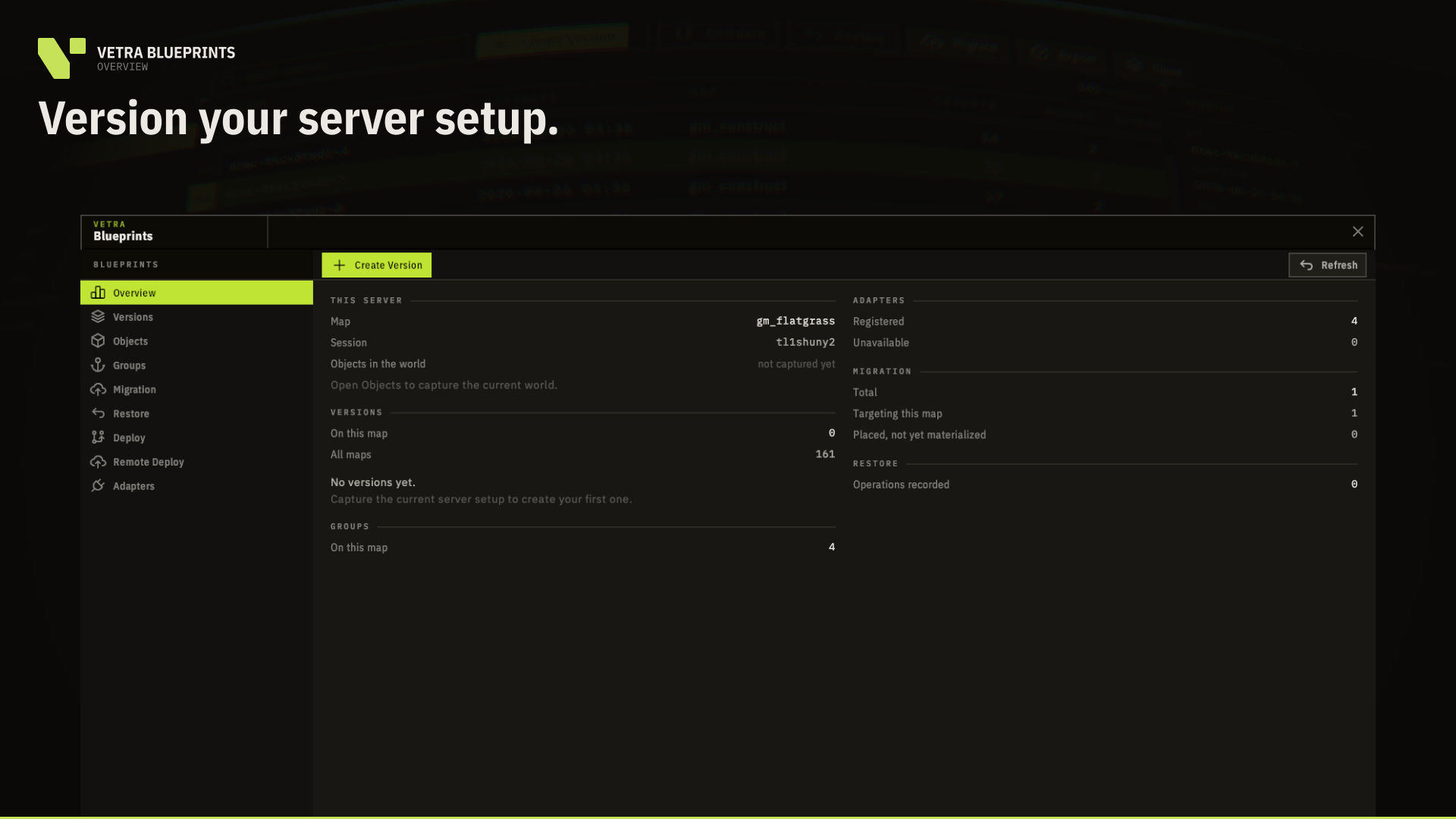
VERSION YOUR SERVER SETUP
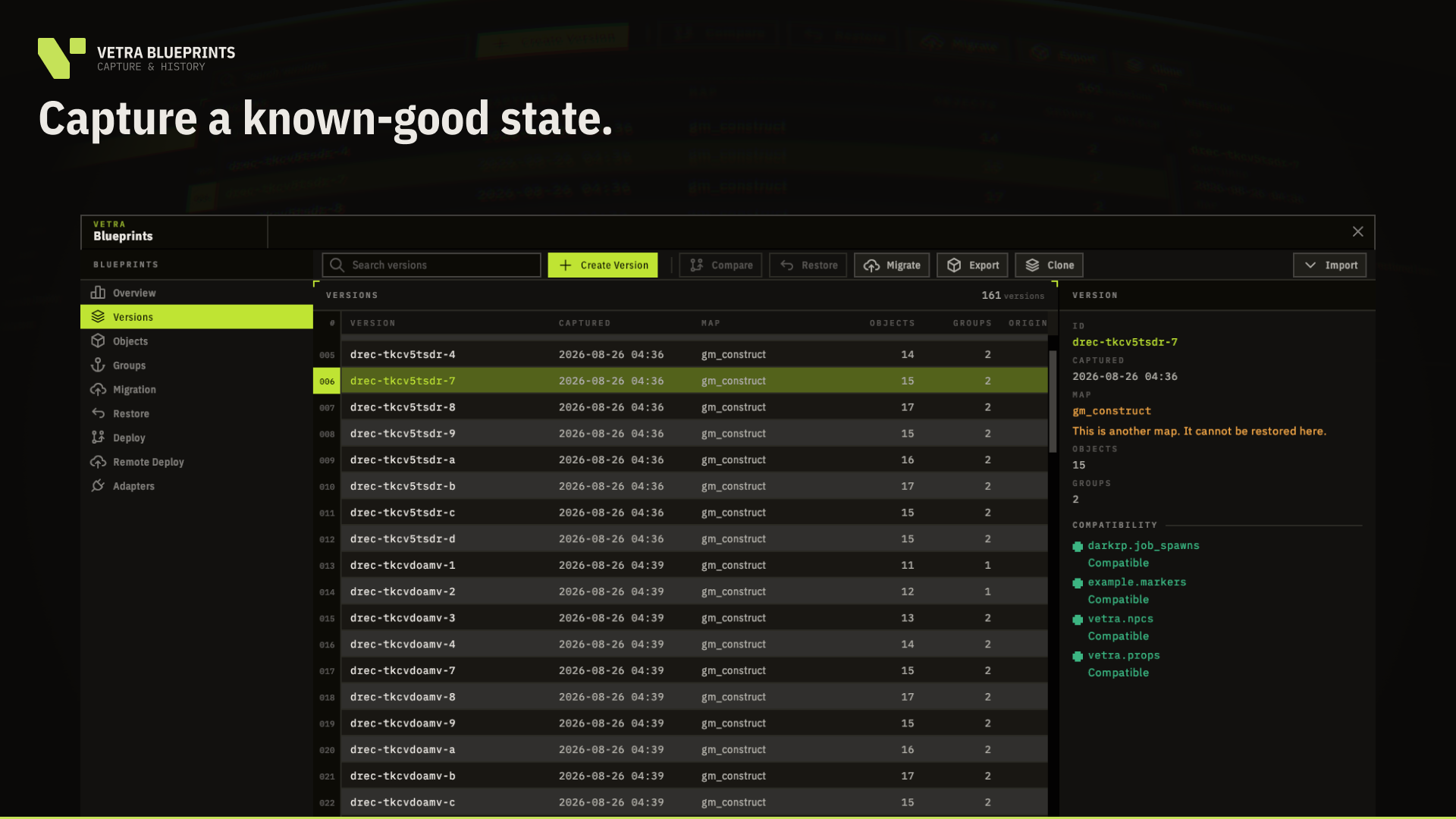
Capture the current state of everything Blueprints manages into an immutable, timestamped Version.
Once created, a Version is never silently rewritten.
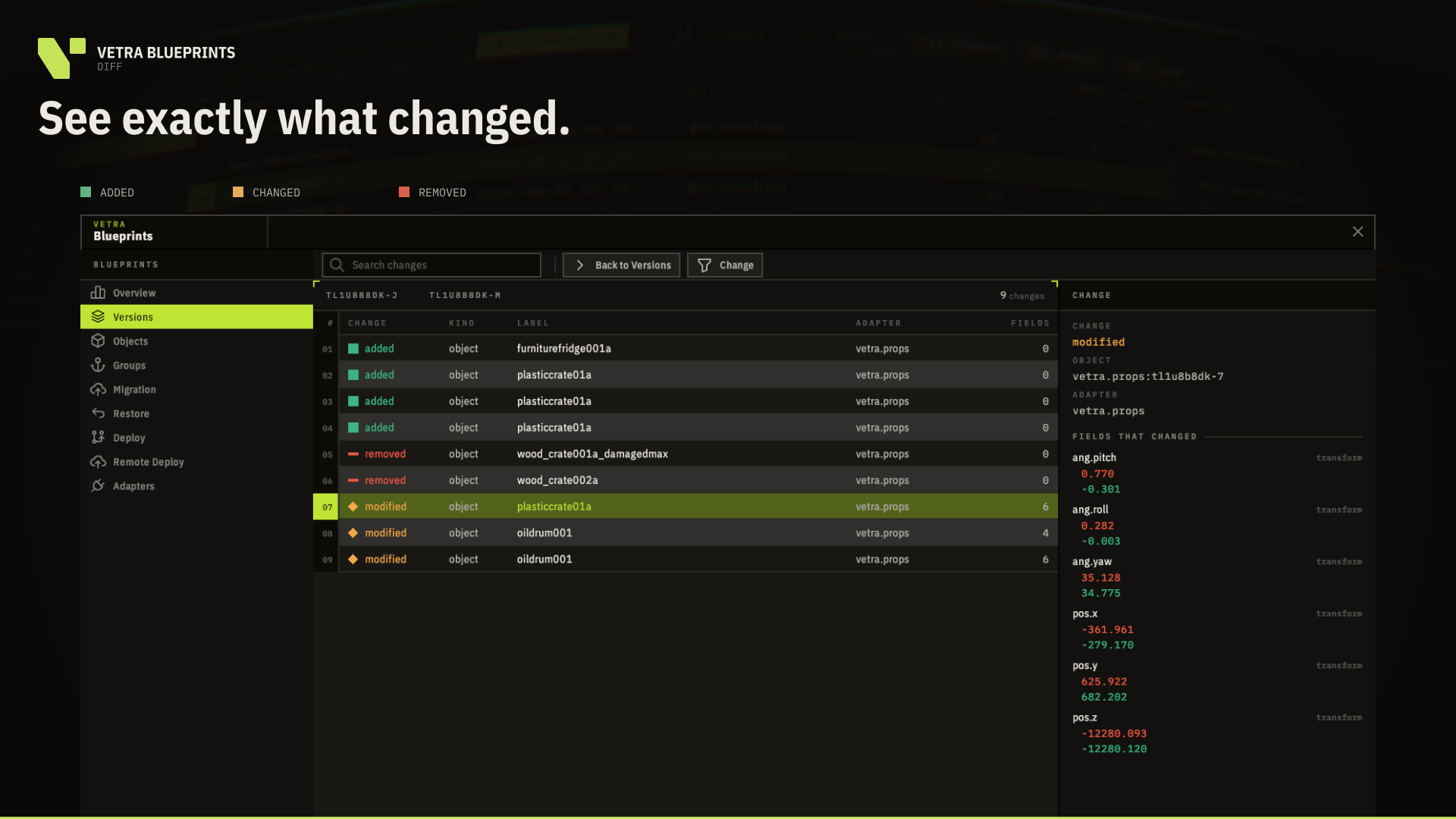
Compare any two Versions and see exactly what was:
- Added
- Changed
- Removed
Where stable identity can be established, Blueprints follows the same object between captures instead of guessing from timestamps or positions.
BUILD STRUCTURES, NOT INDIVIDUAL PROPS
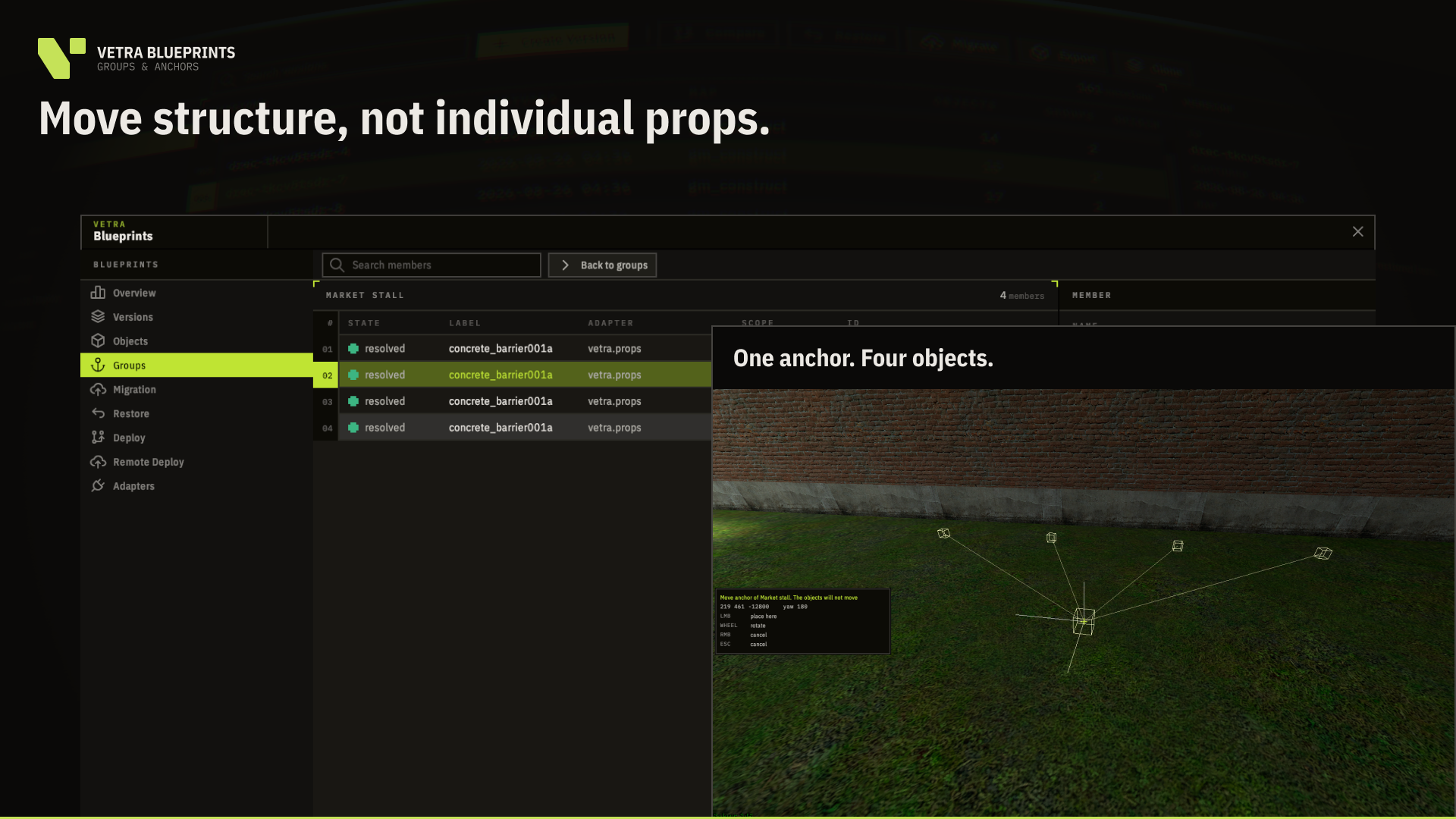
Organise related objects into Groups.
Use Anchors and Pivots to move complete structures while preserving the relative position of every member.
Groups remain part of your versioned setup and can later be migrated to another location or map.
MIGRATE BETWEEN MAPS
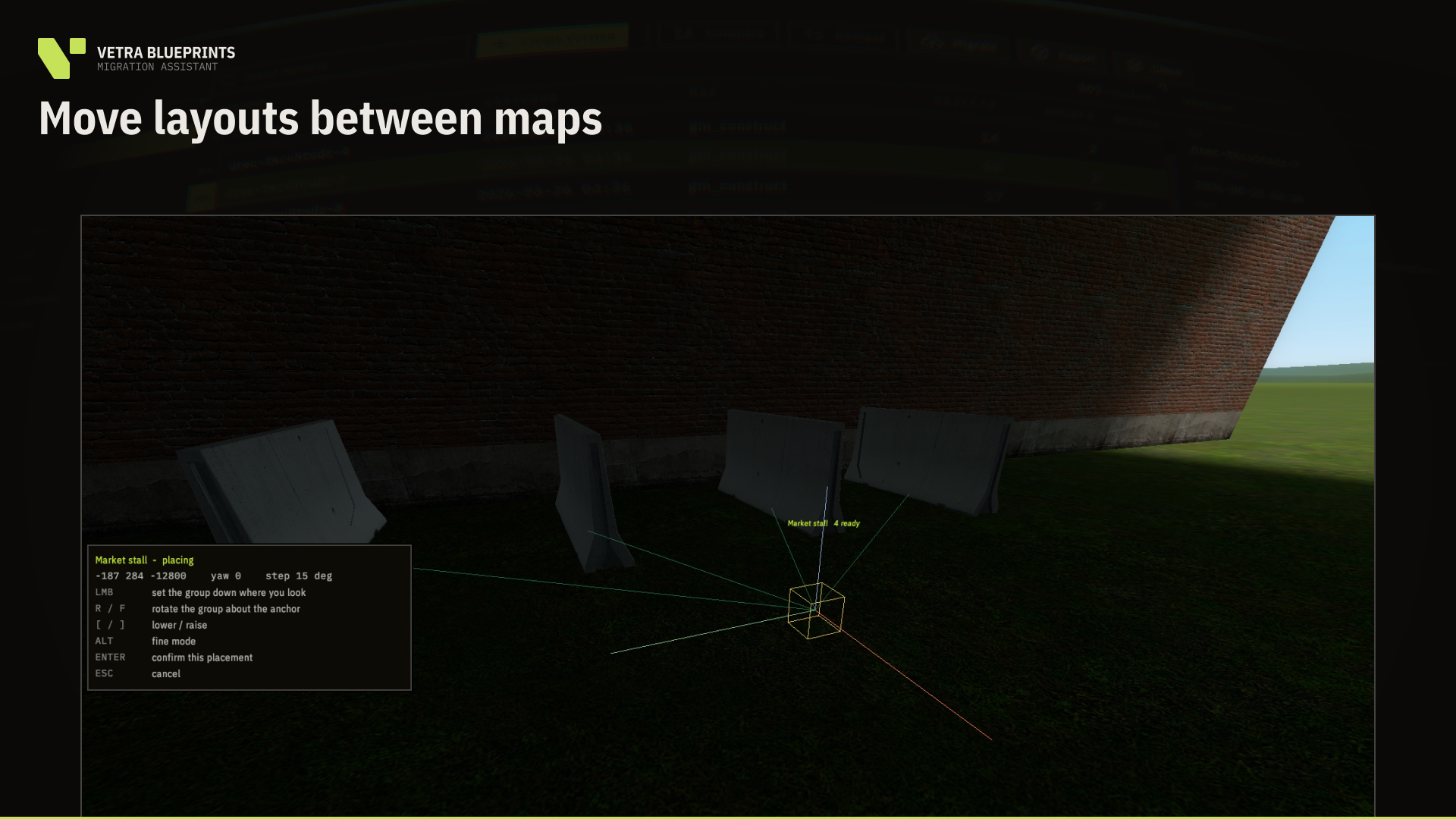
The Migration Assistant lets you take a captured Group and rebuild it somewhere else.
Before anything is created, Blueprints displays an in-world ghost preview.
Position it.
Rotate it.
Inspect the result.
Only confirm when the structure is exactly where you want it.
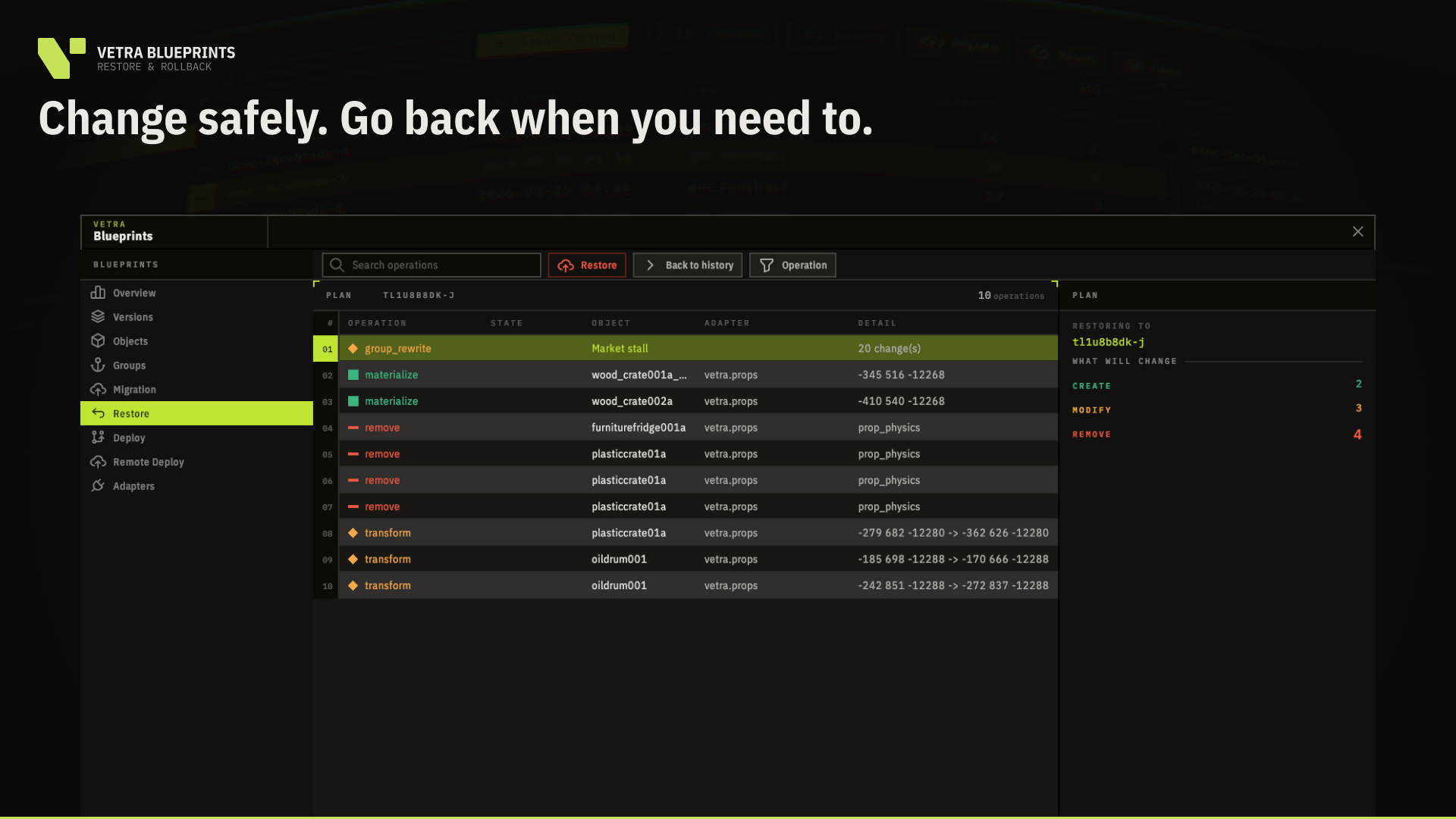
RESTORE WITH A WAY BACK
Select a compatible earlier Version and Blueprints calculates the complete restore plan before changing the world.
A recovery state is created and verified before destructive work begins.
If an operation fails part-way through, Blueprints attempts a verified rollback instead of silently leaving your server in an unknown state.
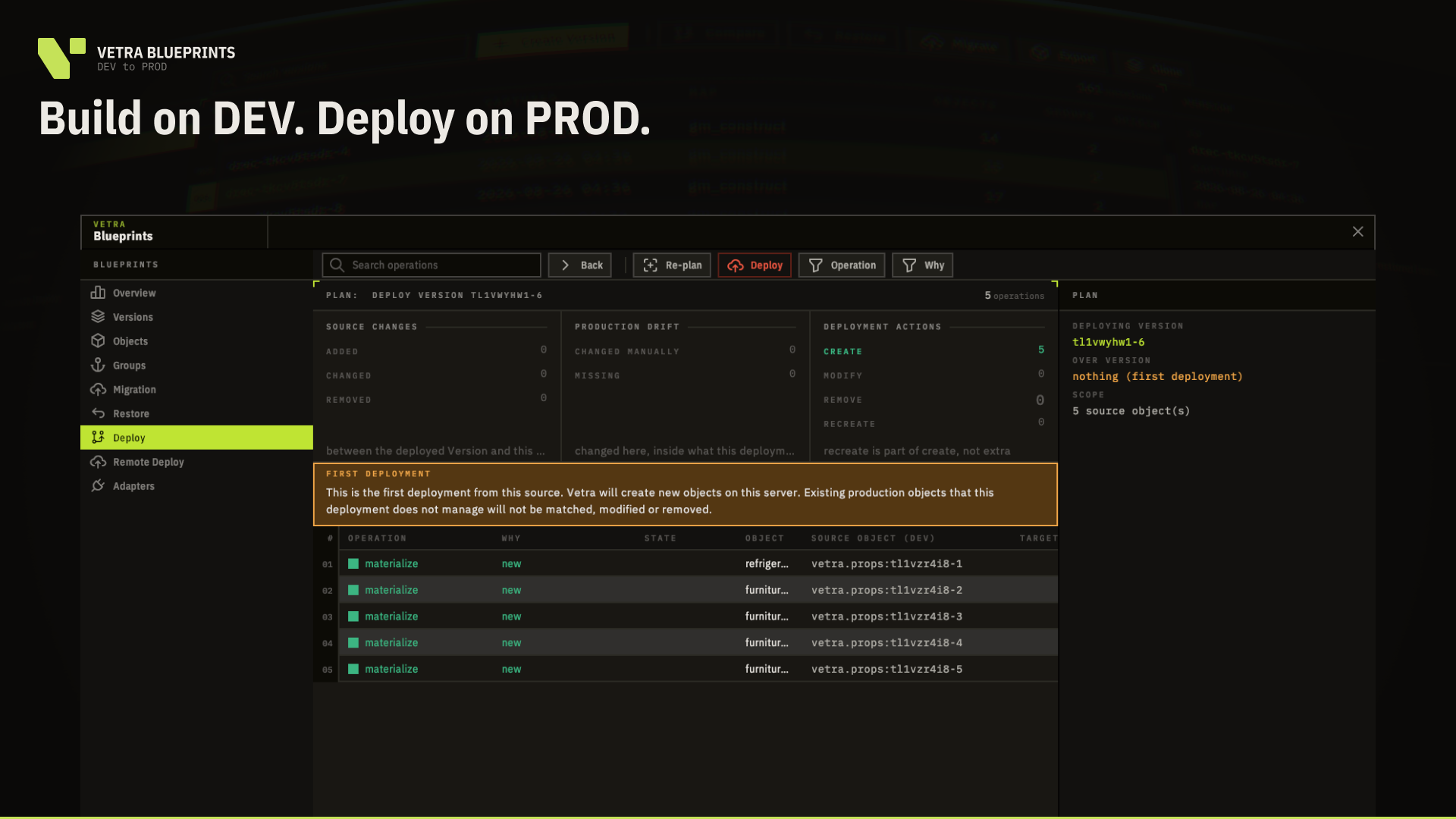
DEV → PROD
Build and test your changes on one server, then move the resulting Version to another.
There are two ways to do it.
LOCAL EXPORT / IMPORT
Export a Version as a package, move the file yourself and import it on the destination server.
No Vetra cloud is required for this workflow.
REMOTE DEPLOY
Select a Version and send it directly to another activated Vetra server.
Review the deployment plan, apply it and keep a history of what was deployed.
One purchase includes 3 active server slots, making workflows such as this possible:
DEV → TEST → PROD
BUILT TO UNDERSTAND WHAT IT MANAGES
Vetra does not attempt to blindly serialize every entity it finds.
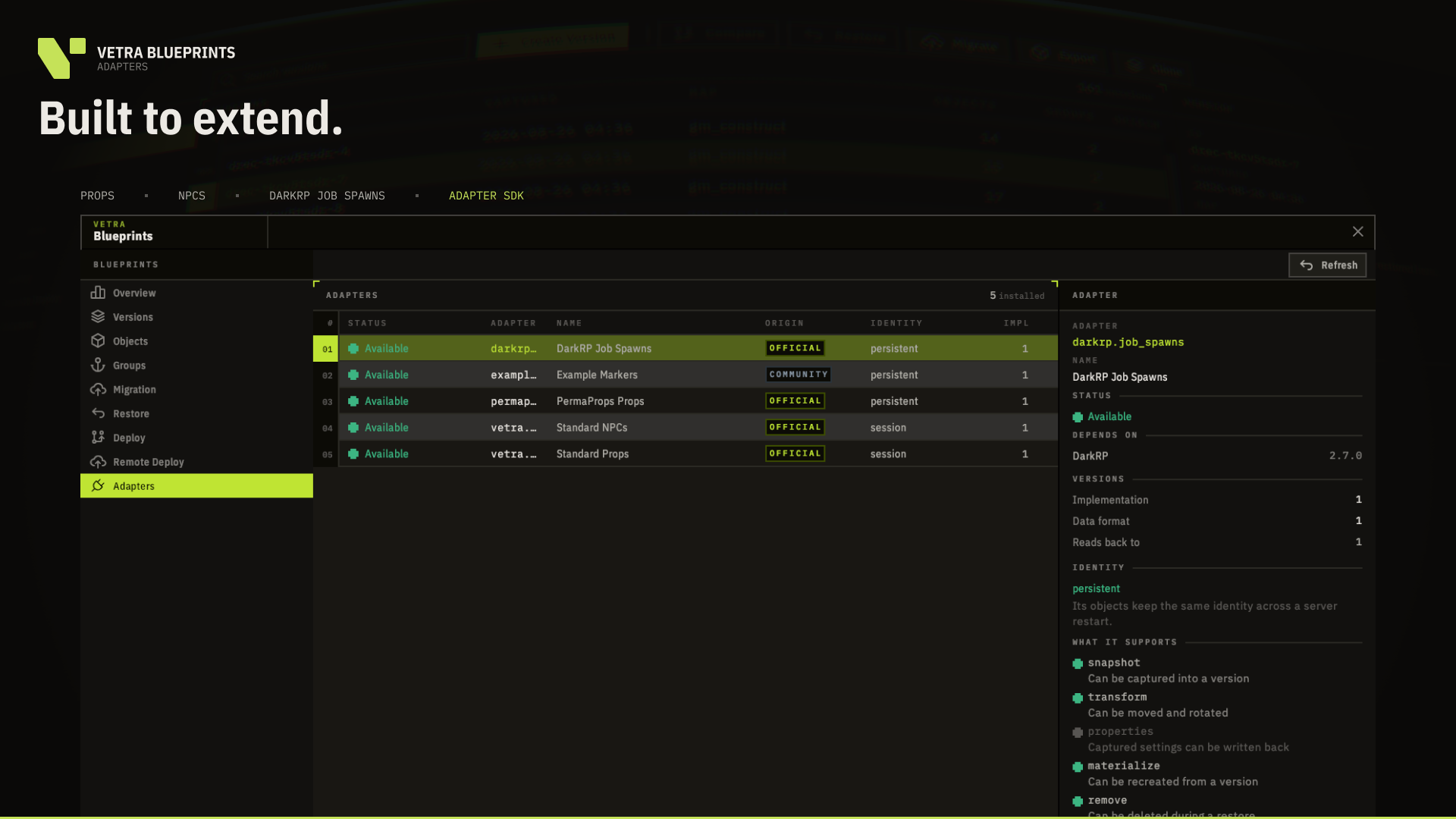
Blueprints uses explicit Adapters.
Each Adapter defines how its objects are identified, captured, compared and safely recreated.
Vetra Blueprints 1.0 includes support for:
- Props
- NPCs
- DarkRP job spawns
- MalboroDEV PermaProps compatibility for supported props
Object types without a compatible Adapter remain outside Blueprints' authority.
BUILT TO EXTEND
The Vetra Adapter SDK is public and documented.
Developers can teach Blueprints how to manage objects from their own addons without modifying Blueprints itself.
A complete worked example is included with the product.
Customer builds also include Adapter inspection, compatibility reporting and contract testing tools.
Full documentation and Adapter SDK: https://docs.vetrasuite.com
LOCAL BY DEFAULT
Your snapshots, Versions, Groups, migrations and exported packages live on your own Garry's Mod server.
They are not automatically uploaded to Vetra.
Remote Deploy is optional.
Only a package you explicitly choose to deploy is uploaded to the Vetra service.
NO CONSTANT CONNECTION REQUIRED
Normal local Blueprints functionality can continue for up to 14 days without reaching the Vetra service while a valid cached licence is available.
Remote Deploy requires connectivity while you use it.
The manual Export / Import workflow remains available independently of Remote Deploy.
START IN SECONDS
Install Vetra Framework and Vetra Blueprints on your server.
Restart.
Then type: !vblueprints
No licence key to paste.
No database to configure.
No client-side addon installation.
BUILD CONFIDENTLY. CHANGE SAFELY. DEPLOY ONCE.
Product reviews
The product rating is hidden.